Epson TF-20 Boot Disk Creation

As I mentioned in an earlier entry, the Epson TF-20 5.25 inch floppy drive requires its OS to be loaded from disk before the unit will communicate and work with the PX-8.

My over riding intention since acquiring the TF-20 has been to back up the single boot disk that came with the system given that it’s over 20 years old and should the disk have failed the drive would have been rendered useless.

My initial attempts failed, although I have a copy of Copydisk and it was apparently successfully formatting and creating disks with the system tracks, when I tried to boot the drive with those disks, no luck.

I spoke to F J Kraan who advised that the proper disk type was Double Density (DD) as opposed to the High Density (HD) that I was using.  I tracked down some DD disks and repeated the process and it works.  I have of course therefore made several back up boot disks and feel somewhat relieved.

Incidentally the HD disks give the impression of working for general file usage, but success is intermittent, with occasional bad sector errors.  Meanwhile the working PF-10 has decided to well, stop working, hopefully this last burst of activity wasn’t its last hurrah.

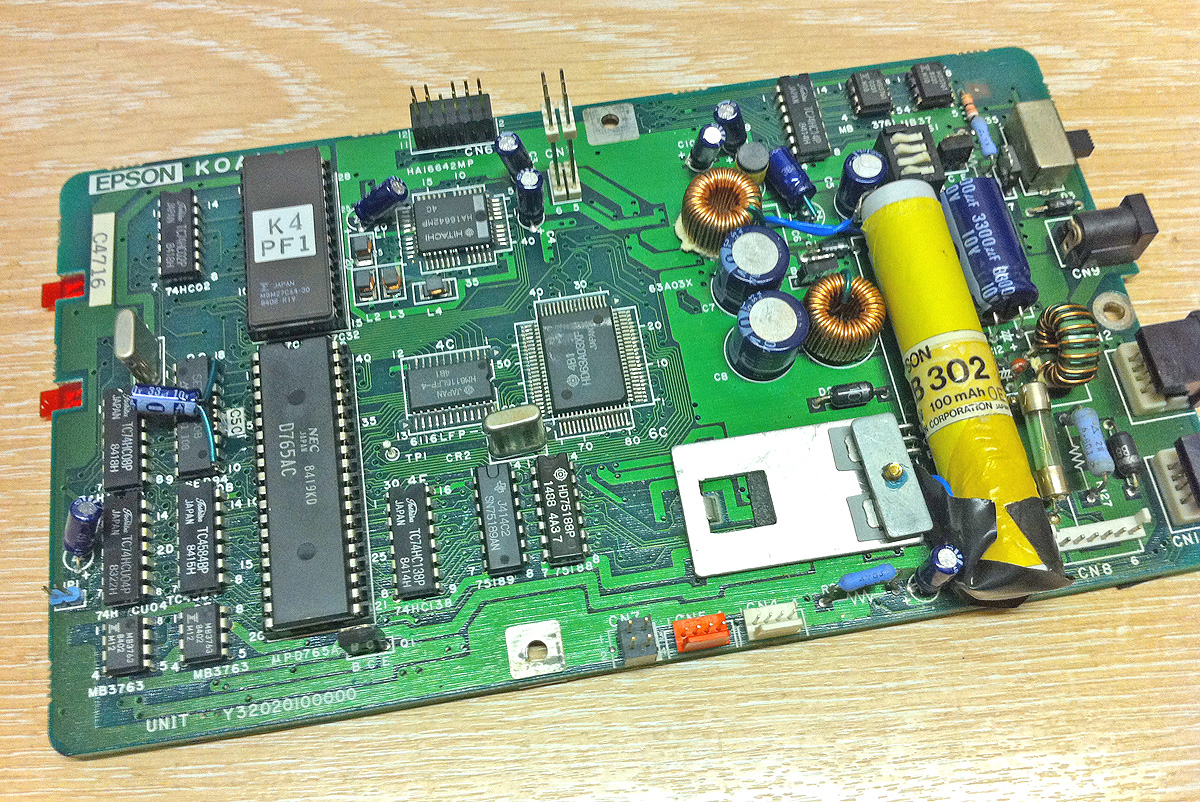
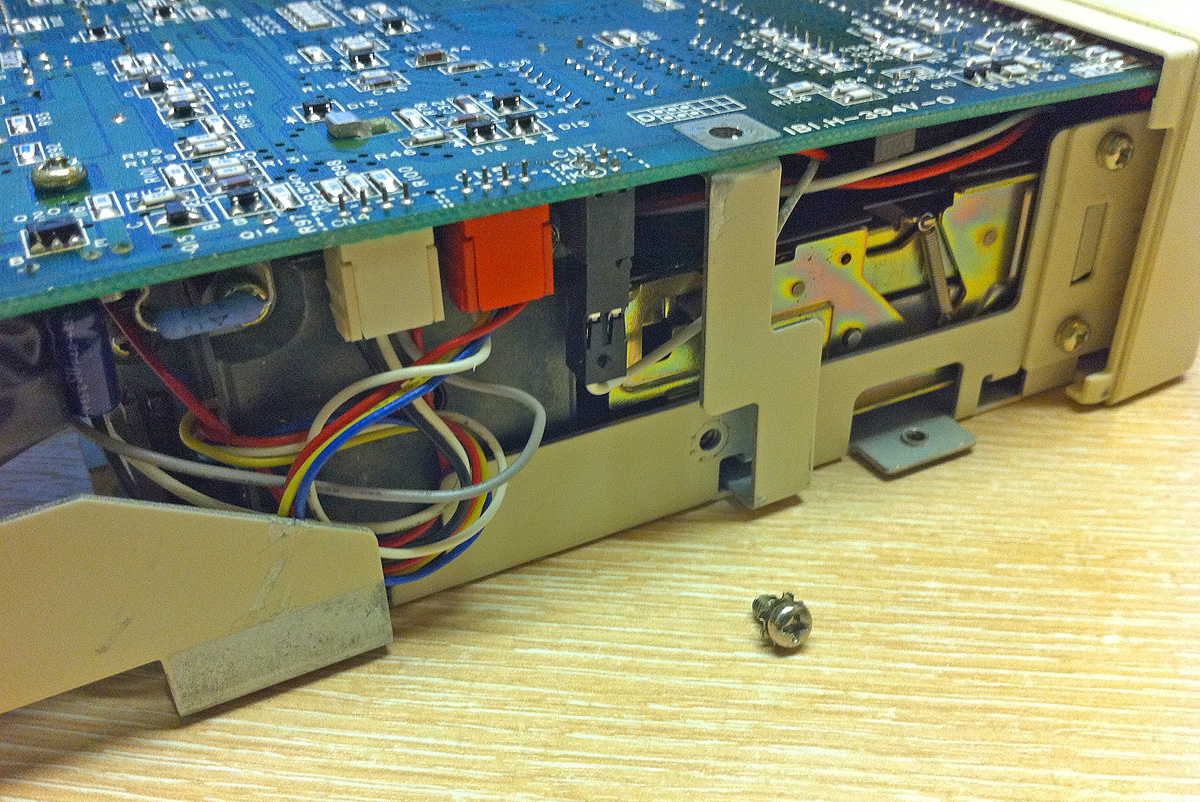
I’m waiting on some C size batteries to try in the drive to see if it’s a battery issue or not.  Meanwhile I took one of the PF-10’s apart and took some crumb trail pictures with my phone.

(Update:- I’ve installed the four new C size batteries in the PF-10, but still no joy, harumph!)
Epson PF-10 Success & Ram Disk Failure

Well it seems Epson PF-10 floppy disk drives are somewhat like buses, you don’t see any for ages and then two come along at once.  Much to my surprise given what I’d read and been told about the rarity of the PF-10, another one appeared on Ebay.

This one was listed along with a PX-8 which I didn’t really need however I decided it was worth bidding just to acquire the drive.  I duly won the auction, the PF-10 arrived and… it works!

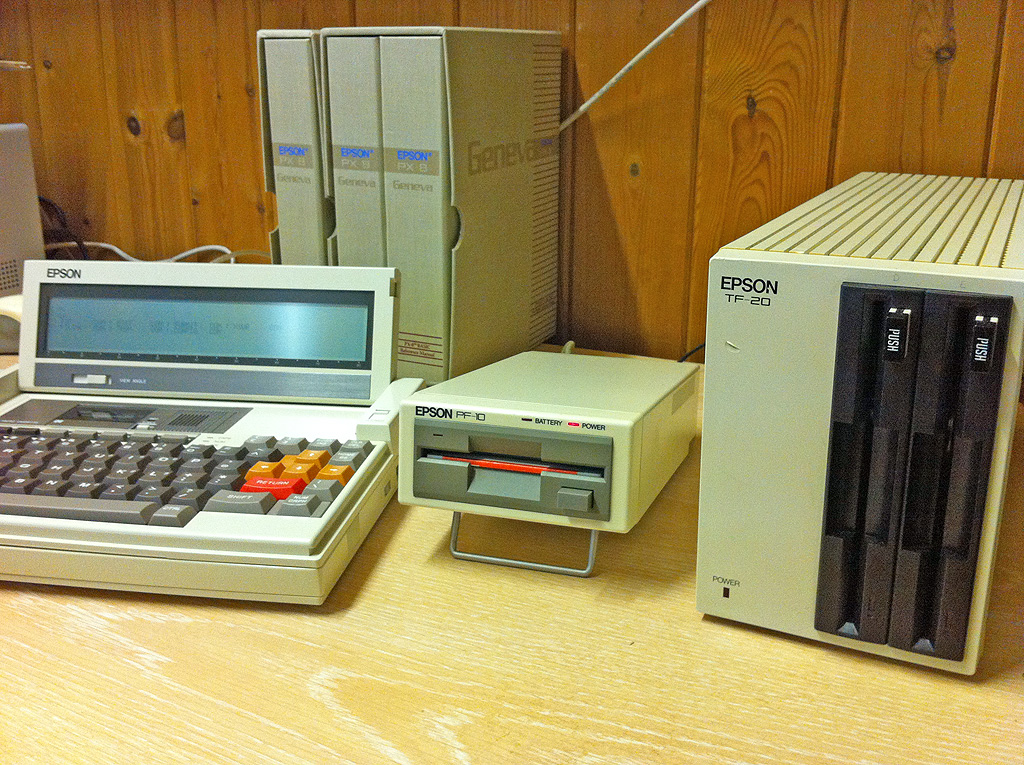
It’s a bit temperamental but I like a challenge.  It’s in very good condition, especially compared to the rather beaten up drive I previously bought and it is sitting right next to me now, looking all Silent Running like, and somewhat dwarfed by the TF-20.

Thus far I’ve managed to read, write and format some disks with it, the battery is a bit flaky and the drive unfortunately won’t run of off the power adapter, although it will take 4 C type standard batteries if required.  I’m going to swap out the battery for the one in my other drive which seems more successful at holding a charge.  I’m also going to set the required dip switch so I can daisy chain it with the TF-20.

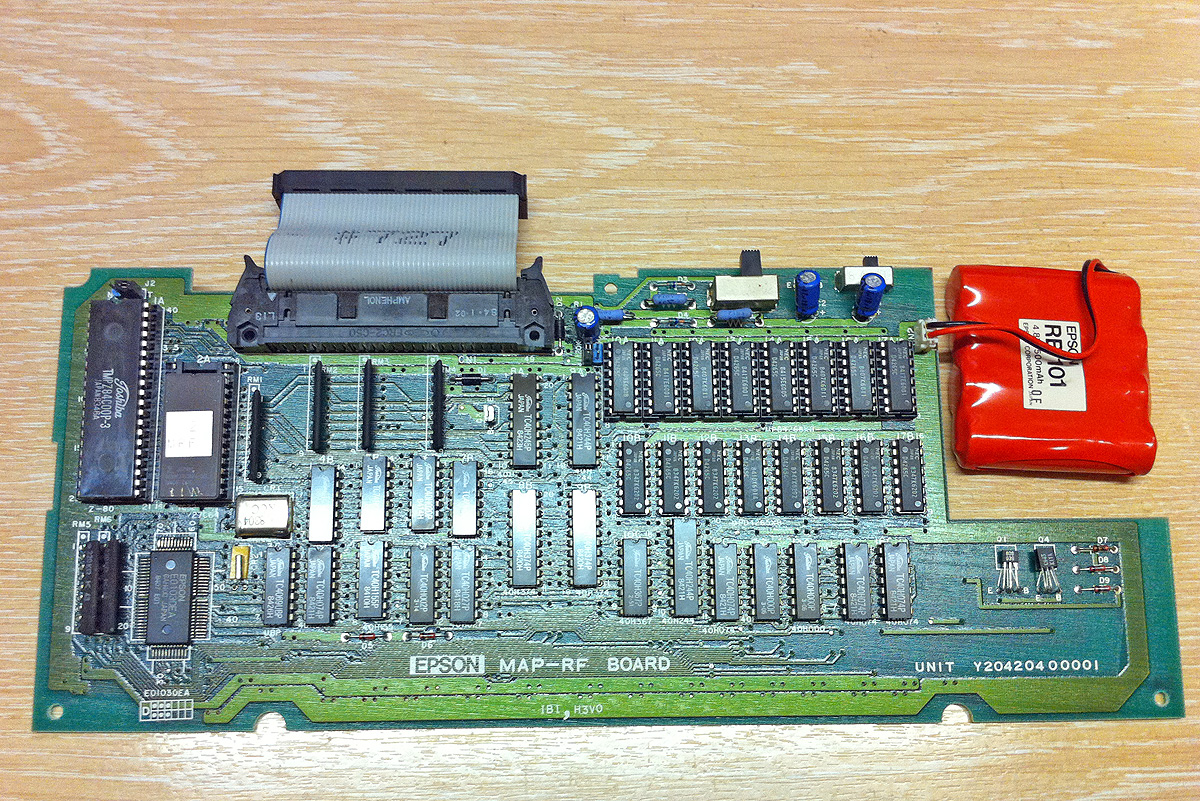
As a bonus (I hadn’t noticed it in the picture) the accompanying PX-8 was fitted with an external RAM disk which I had been on the look out for anyway.  Unfortunately it’s currently giving me BDOS errors whenever I try to access it.  I’m hopeful however that this is an issue with its batteries as opposed to any other damage.  I took it apart to confirm that battery type which turned out to be an Epson RB 101, 4.8V 500 mAh.

I’ve taken some pictures, unfortunately they are with my phone so I apologise for the quality, I’ll hopefully be able to take some proper photos soon, note the cheesy 70’s wood panelling, very apt.

Epson PX-8 & PF-10Epson PX8 PF10 TF20Epson px8 ram disk

Madame Fifi’s Whorehouse And Other Tales

I continue to tinker with my growing collection of old Epson computer equipment.  The TF-20 is a strange hulk of a drive. Rather like the old Commodore 1541 the drive has a processor of its own comparable to the computer it serves.

In the case of the TF-20, a Z80 supported by 64 kByte of RAM (presumably these things cost serious money back in the day.) In order for the drive to work with systems such as the PX-8 you must first load the drive’s OS from a system disk.  This is causing me some concern as I only have one disk that will boot the system and if that fails the drive will be essentially useless to me.

Along with the drive came a few 5.25 inch floppies with an eclectic mix of files on them.  Two that caught my eye were Diskcopy and Copydisk.  My first inclination was to try and make a couple of backups of the boot disk.

I thought I’d found what I needed with Copydisk which gave the following options:-

  • Format
  • Copy System Tracks
  • Copy Complete Diskette
  • Format and Copy System Tracks
  • Format and Copy Complete Diskette
  • Initialize Directory Tracks

After placing a write protect sticker over the notch of the boot disk (this reminded me of using scissors to cut out notches on the opposite side of disks so you could use both sides) I pretty much tried every combination of these options with some new blank disks I’d managed to find on ebay.

Whilst the formatting and copying all worked well, none of the newly created disks would boot the system so for now I’m relying on the squeeky old boot disk.  The OS will remain in memory as long as you don’t disconnect the power cord from the TF-20 however the onboard power adapter gives off the sort of aroma that makes you want to stick a smoke detector directly over it so I’m not relaxed about leaving the power connected.

I’ve also been sorting through the fairly large collection of PX-8 related files I’ve downloaded and have transferred a few basic games via Filink directly onto floppy.   There’s a certain buzz from loading these files with no real idea what you’re going to be presented with.  I think the most surprising so far was FIF which turned out to be Madame Fifi’s Whorehouse, a somewhat lewd text adventure game.

A lot of the files have extensions such as CQM, DQC, BQS which I initially thought had perhaps become corrupted given their similarity to COM, DOC, BAS however on investigation it transpires these are files compressed with a program called SQ which replaces the middle character of all the files it archives with a Q.  So far I’ve been unable to find a way of opening these archives.

(Update)

Thanks to Chuck over at the Vintage Computer Forum who pointed me in the direction of the source files and executable of Unsqueeze at the Retroarchive and to the DOS version