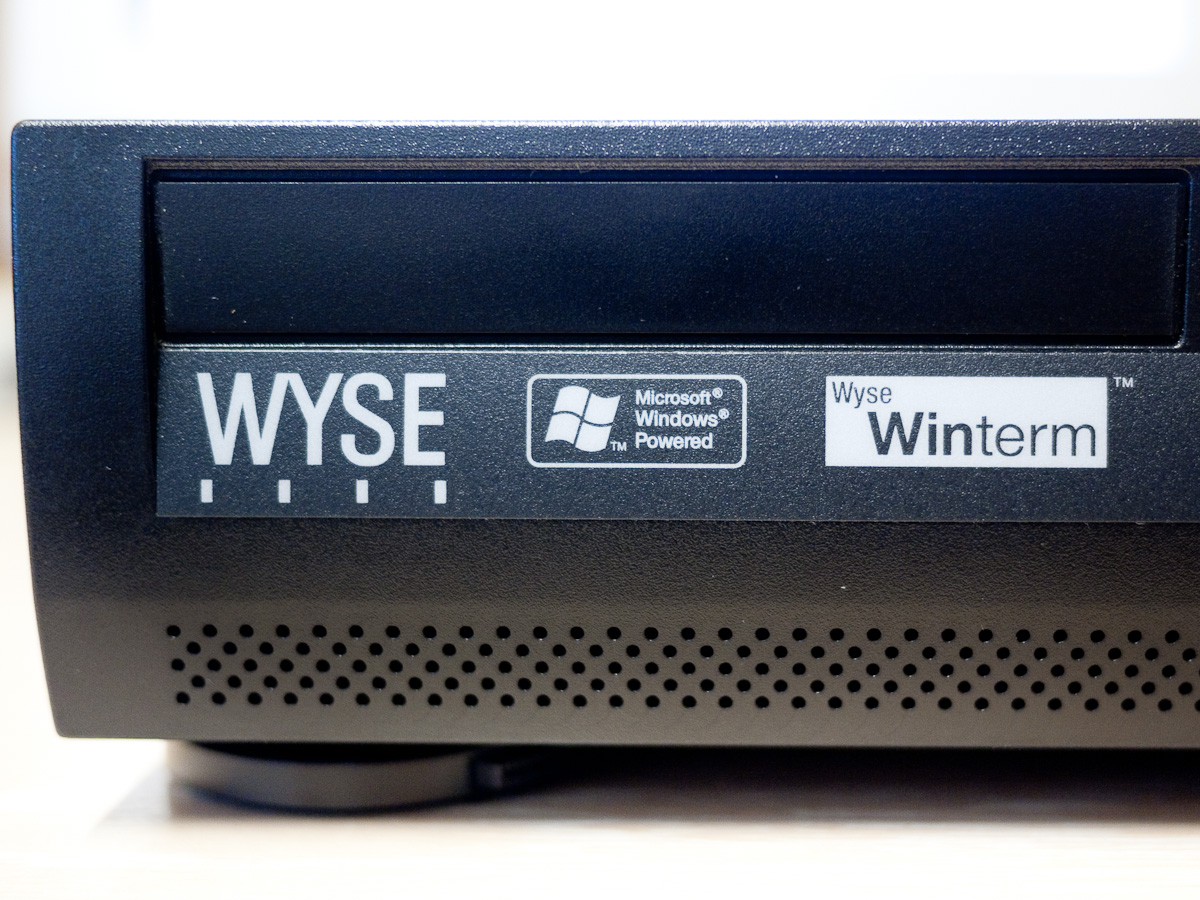
The BBS that I set up during this year’s Retrochallenge has been running on an old Athlon based Shuttle system that I built several years ago, it’s a nice little unit but its constant fan noise whirring in the corner of my office has started to irritate. I therefore dug into my collection of old hardware looking for something that might offer a less intrusive solution. A couple of Wyse WT9455XL Winterm units caught my eye. These units are completely silent, based on VIA Epia Mini-ITX MB’s and utilising Via C3 (Samuel 2 core) passively cooled processors.
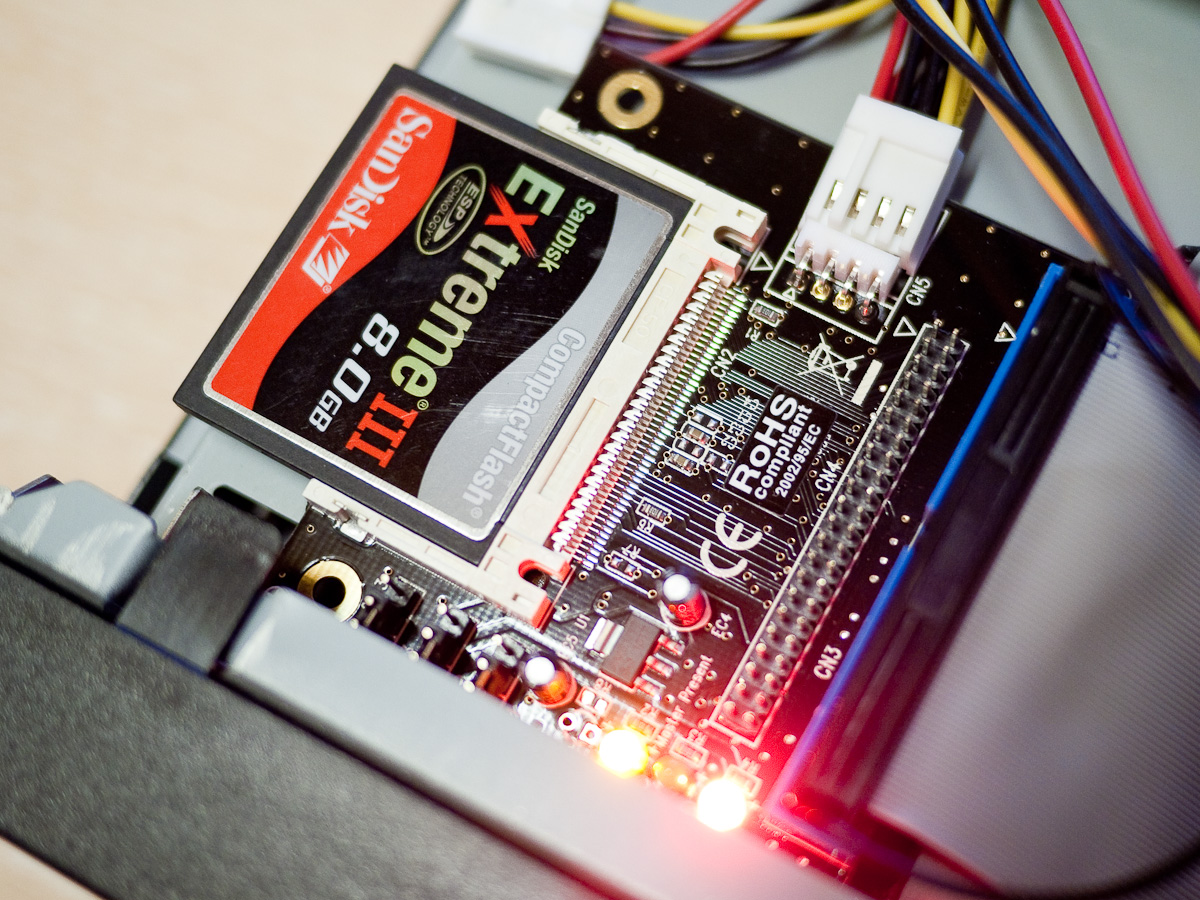
Compact Flash IDE Adapter
These particular units had Windows XPe installed on 256MB DOM’s and the installations were heavily locked down to prevent users doing anything other than the task they’d been specified for. The first thing I needed to do was get into the password protected BIOS. This was pretty straightforward, I found the password ‘Fireport’ quickly via Google. I pulled out the DOM and attached a Startech IDE to CF adapter holding a SanDisk 8GB Extreme III card to the primary IDE channel and an old CD drive to the secondary and made the necessary changes in the BIOS.
Booting from the XP installation CD I converted the already partitioned and formatted compact flash card (via one of my Canon DSLR’s) from FAT32 to NTFS and started the XP installation process. It took a fair while but was mostly successful. Upon booting the new installation the system would sit at the ‘Welcome Screen’ for several minutes before continuing to boot successfully, and then other times it would stop at the same point and display the following dialogue box:-
Windows created a temporary paging file on your computer because of a problem that occurred with your paging file configuration when you started your computer. The total paging file size for all disk drives may be somewhat larger than the size you specified.
The related Microsoft support article gives the following information:-
This error message may occur if Windows tries to create a paging file on an NTFS volume, but the System and Administrators accounts do not have the correct NTFS permissions on the volume.
Initially I couldn’t figure out what was causing this problem and I also ran into problems using Windows Update which gave the following warning:-
To install items from Windows Update, you must be logged on as an administrator or a member of the Administrators group. If your computer is connected to a network, network policy settings may also prevent you from completing this procedure.
I was of course logged in as Administrator so again turned to Google hoping to find a solution. In the course of trying several remedies with no luck I noticed via Windows Explorer that XP was recognising the system drive as a removable unit. I’d forgotten that I needed to update the CF card so it would be recognised as a fixed disk.
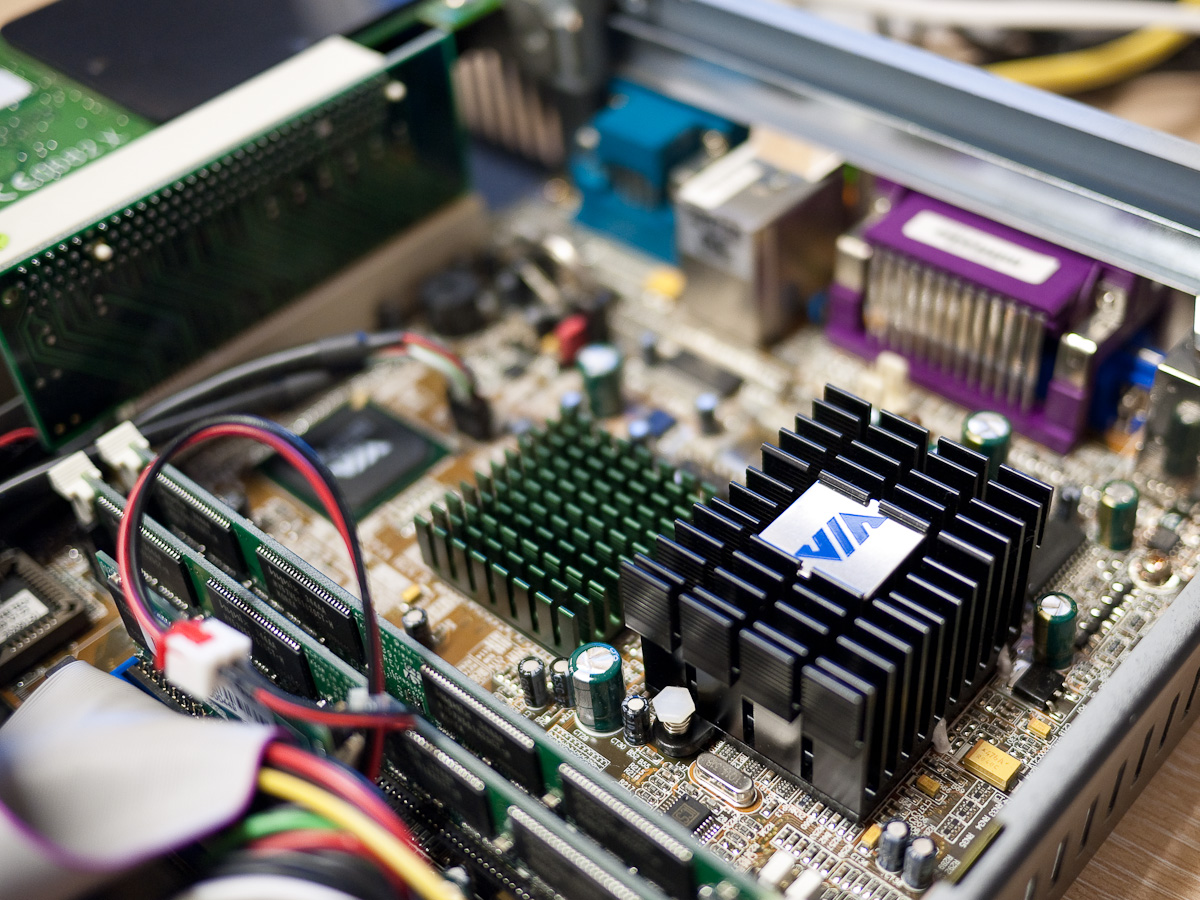
Via Epia Motherboard
SanDisk used to supply some software that would allow you to update their CF cards to either identify themselves as fixed or removable, it’s called ATCFWCHG.COM and can still be found in various places for download, I got a copy from RapidShare and found the instructions on how to use it here. It needs to be run from DOS so I attached a USB FDD to the Wyse unit, copied the file onto an old Windows 98 boot floppy and booted the system from it. I ran ATCFWCHG.COM using ATCFWCHG.COM /P /F from the command line and the word PASS was displayed.
Upon rebooting from the CF card the hang at the ‘Welcome Screen’ was resolved and Windows Update worked correctly, clearly the problem lay in the fact that XP will not allow you to create its page file on a removable drive, it was now recognising the drive as a fixed disk.
On that note I had to make a decision about how I was going to manage the page file given that the constant reading and writing from the disk that virtual memory requires is not good news for CF cards with their limited read\write lives. The choices were, no page file and the possible problems that can cause, a standard page file that might destroy the CF card pretty quickly or move the page file to another drive.
Given that this machine is essentially going to be doing nothing most of the time and only serving up the BBS on the odd occasion someone dials in I decided to insert the original DOM in the second IDE socket, format it and use it for the page file. Although it only offers 239MB formatted space I’m sure it will cope with the low load the system will be experiencing.
After a successful installation of the Diamond Supra Express modem in the solitary PCI slot provided I copied over all the BBS related files and fired it up. Everything is working nicely and the box is completely silent.

 Retrocosm's Vintage Computing, Tech & Music Blog