Epson PX-8 Geneva Filink Success

This weekend I was very grateful to Urbancamo who as promised built me a suitable cable to connect my PX-8 to my DOS box.  To connect the RS232C port on the PX-8 to a PC Com port I needed a male 8 pin mini din to female DB9 connector.  I found an open ended 8 pin mini din cable on Ebay and Urbancamo kindly added the required female DB9 connector wired with the following configuration.

Having trawled through a load of old machines that were piled up at work, most butchered for parts I found one venerable Fujitsu, Pentium based machine running Windows 95.  Apart from a system fan that sounds like it’s rubbing up against a cheese grater it’s in good working order.  Most importantly it had a suitable Com port and a working CD drive.

I grabbed a load of PX-8 files from F J Kraan’s excellent PX-8 resource and transferred them by CD to the Fujitsu.  I cleared up the autoexec.bat file and added a line to set the Com port’s parameters to match the PX-8’s (Mode COM1:4800,N,8,2,P) with the knowledge that Filink seems to find any excuse to hang and that several reboots were probably on the cards.

Once the two machines were connected I loaded up Filink on both and set about transferring some files.  Oddly the transfer would begin and then Filink would attempt to access the floppy drive on the DOS box (which had no disk in it as I’d booted from the hard drive and not used the floppy for anything) causing the transfer to fail.

I dug out an old floppy disk put it in the drive, it was formatted but empty and tried again.  This time the transfer worked with the floppy drive access light flashing momentarily.  Quite what difference having a blank disk in the drive made I’ve no idea but Filink won’t work without it there, weird!

Now I have a working method of transferring files and, excitingly (if you like that sort of thing) I found a PF-10 on Ebay and it should be here within the week.  Fingers crossed it works.
Epson PX-8 Geneva Pictures

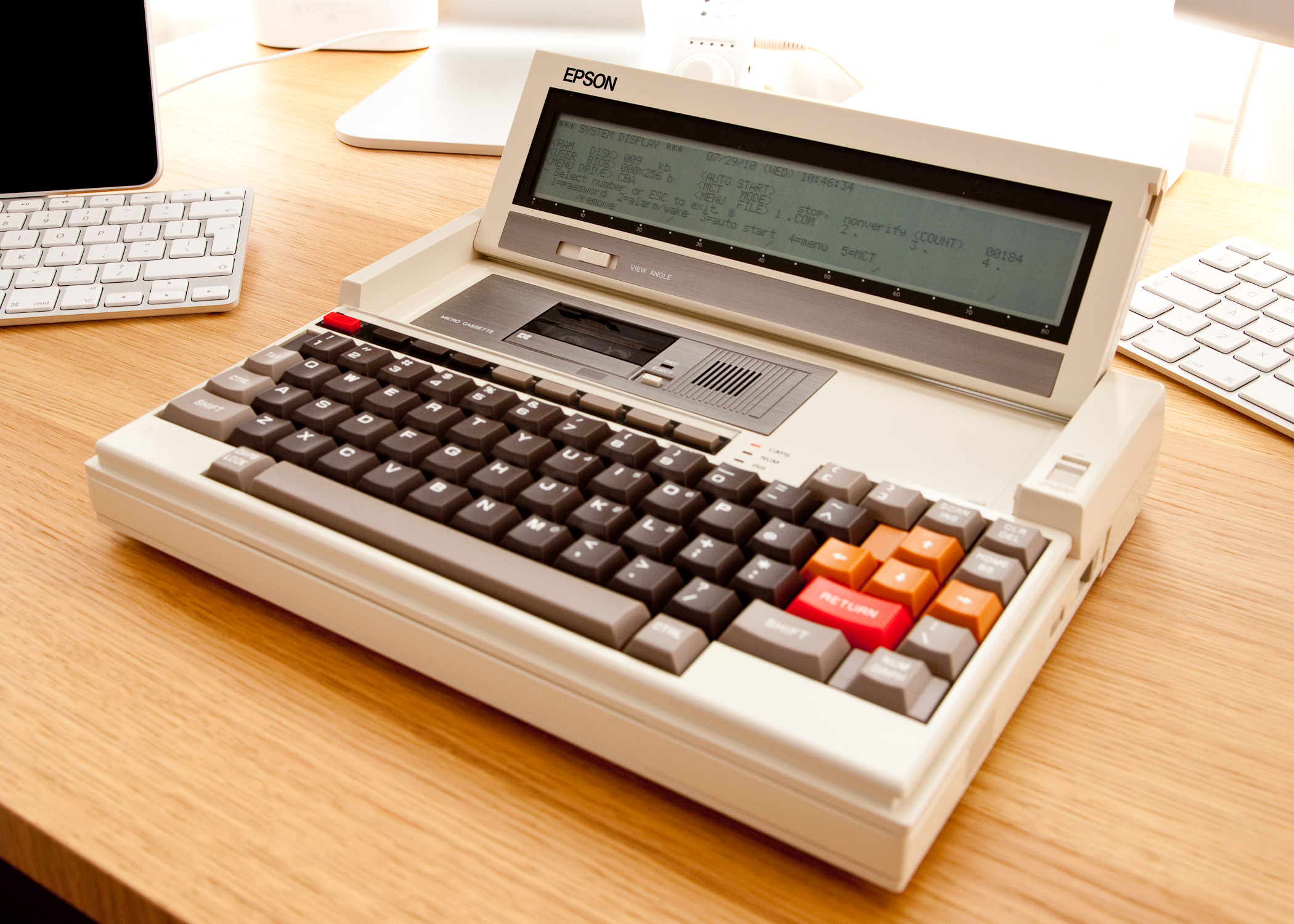
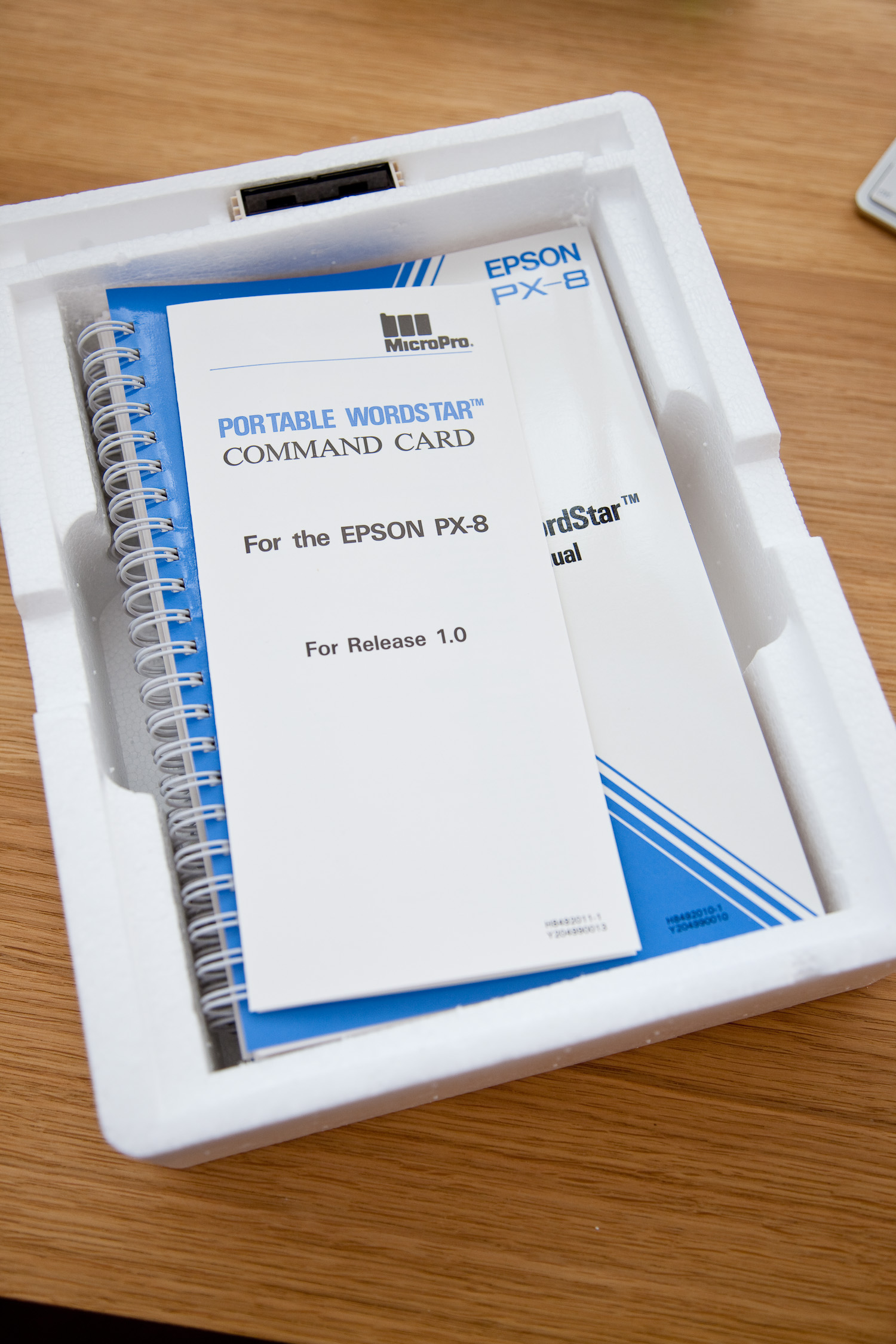
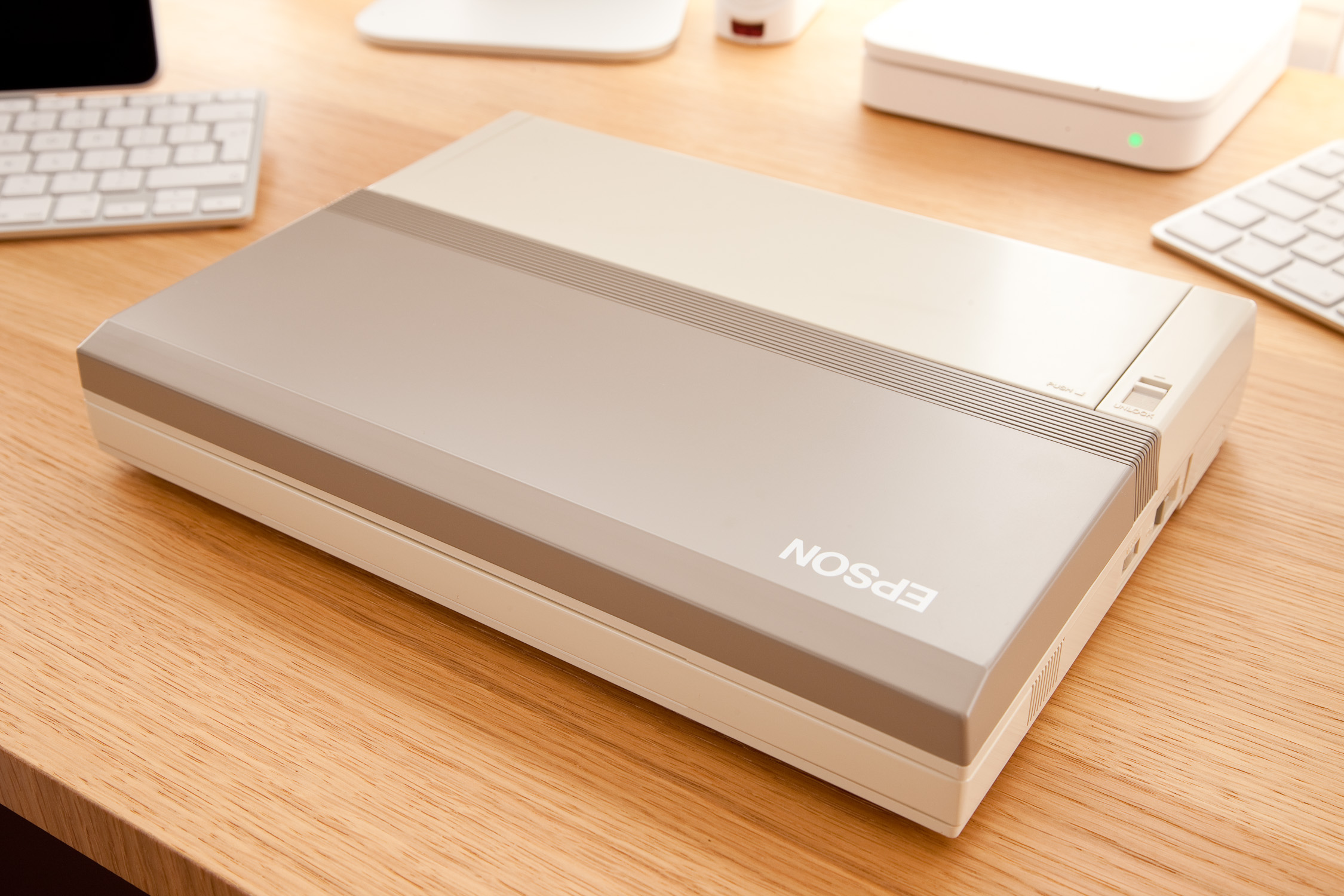
At last, the promised pictures of my new Epson PX-8 Geneva.  This is a new, unused and fully boxed machine that is over 25 years old, the manuals were still shrink wrapped.  The machine is in good working order although, unsurprisingly the original battery doesn’t hold a great deal of charge.  However I am able to operate it with the AC adapter attached and for short periods unplugged.

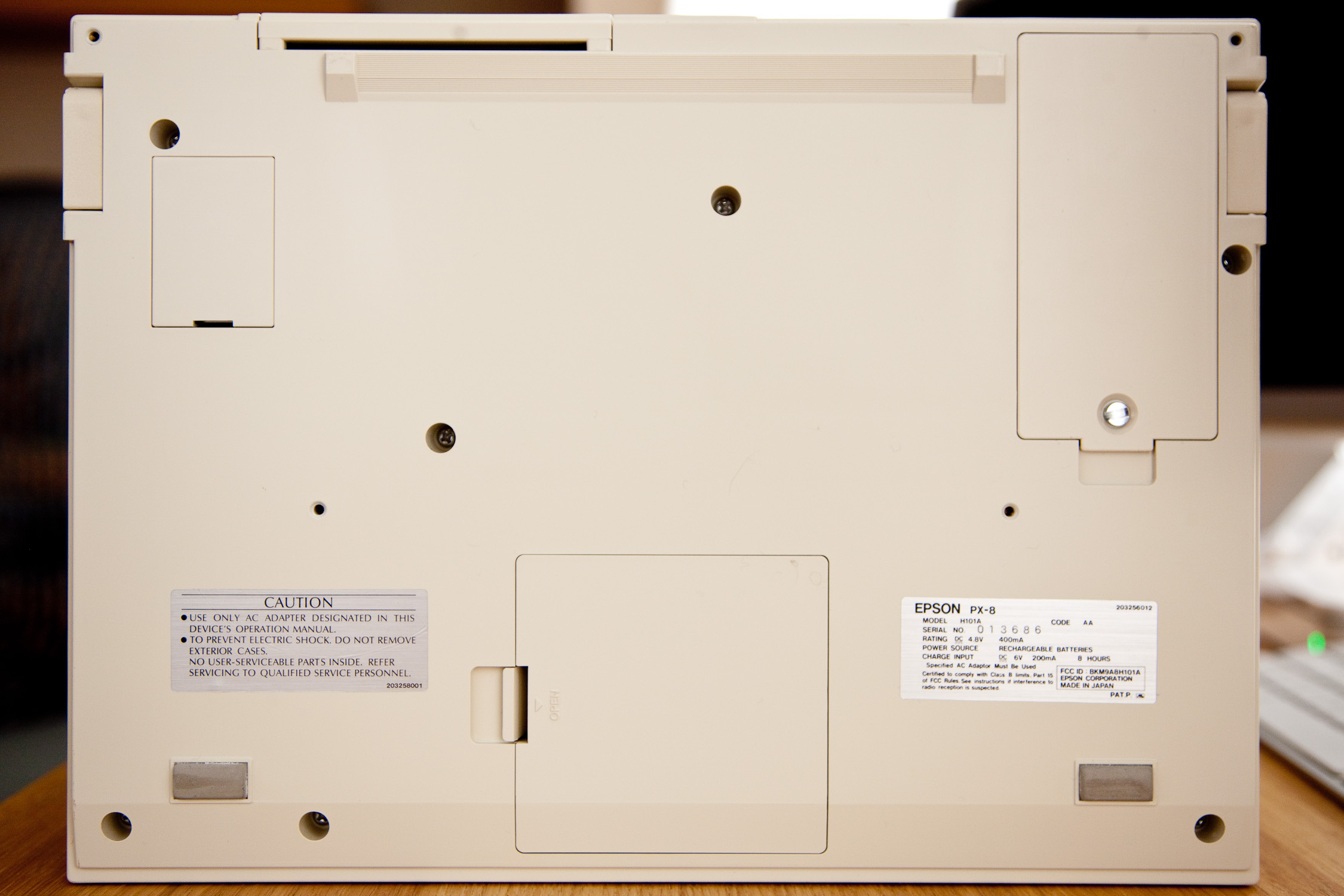
I’m not an expert on battery charging but I do recall the supplier advising that the original power supply was unregulated allowing the voltage to rise above 6V when charging.  The power supply I bought is regulated at 6V so whether that additional juice is needed to fully charge the battery I don’t know.

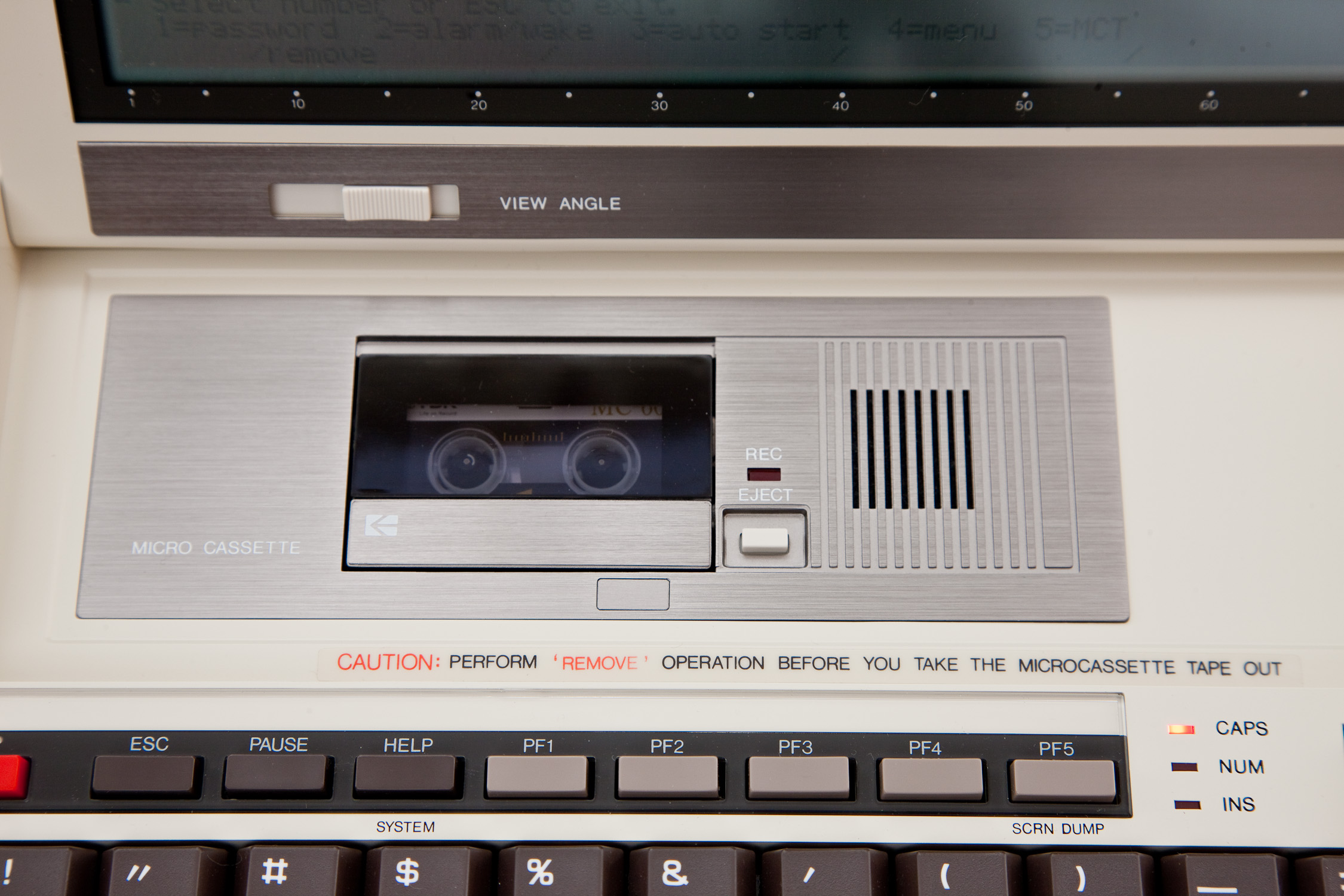
Thus far I have acquainted myself with a little CP/M which I’ve never encountered before, written a few basic BASIC programs and performed some read/write operations with the micro cassette drive which works perfectly.

The next task is to transfer some files using Filink between the PX-8 and an old DOS box which I dug out and am happy to report booted quite happily.  Somewhat bizarrely the CMOS battery still seemed to be functioning as the machine reported the correct (within a few minutes) time and date.

For this file transfer task I will have to rely on the expertise of Urbancamo to make me a suitable cable as electronics/soldering were never my strong point.  The RS232C port of the PX-8 utilises a 8 pin mini din socket for which I have a cable, however I believe the wiring requires some modification.

(Battery Update)

I recently read this article regarding battery charging at F J Kraan’s excellent resource for PX-8 owners which states:-

The HX-20 and PX-8 both have a four cell battery. For charging four C-type cells in series in a reasonable time, you need a higher voltage than 6 volt.

It seems pretty obvious now that the regulated adapter I bought is not providing enough voltage to charge the internal battery in a timely manner, if at all.  I therefore left the unit charging for 72 hours and have found that it does now appear to be holding some charge allowing me to perform some microcassette operations without the power adapter attached.  It seems I was too quick to condemn the battery supplied with the PX-8.  I also have an HX-20 on its way with its original power adapter, what chance it’s compatible with the PX-8?

The PX-8 in all its undeniable glory:-

Epson PX-8 GenevaEpson PX-8 GenevaEpson PX-8 GenevaEpson PX-8 Geneva Cassette DriveEpson PX-8 Geneva Cassette Drive and KeyboardEpson PX-8 Geneva Cassette Drive and ScreenEpson PX-8 Geneva Right SideEpson PX-8 Geneva Left SideEpson PX-8 Geneva Rear PortsEpson PX-8 Geneva BottomEpson PX-8 Geneva and iPad and Atari PortfolioEpson PX-8 Geneva User ManualsEpson PX-8 Geneva User ManualsEpson PX-8 Geneva User ManualsEpson PX-8 Geneva Carry HandleEpson PX-8 Geneva Software BoxEpson PX-8 Geneva Software ManualsEpson PX-8 Geneva PROMS

Atari Portfolio Versus Apple iPad, Sort Of…

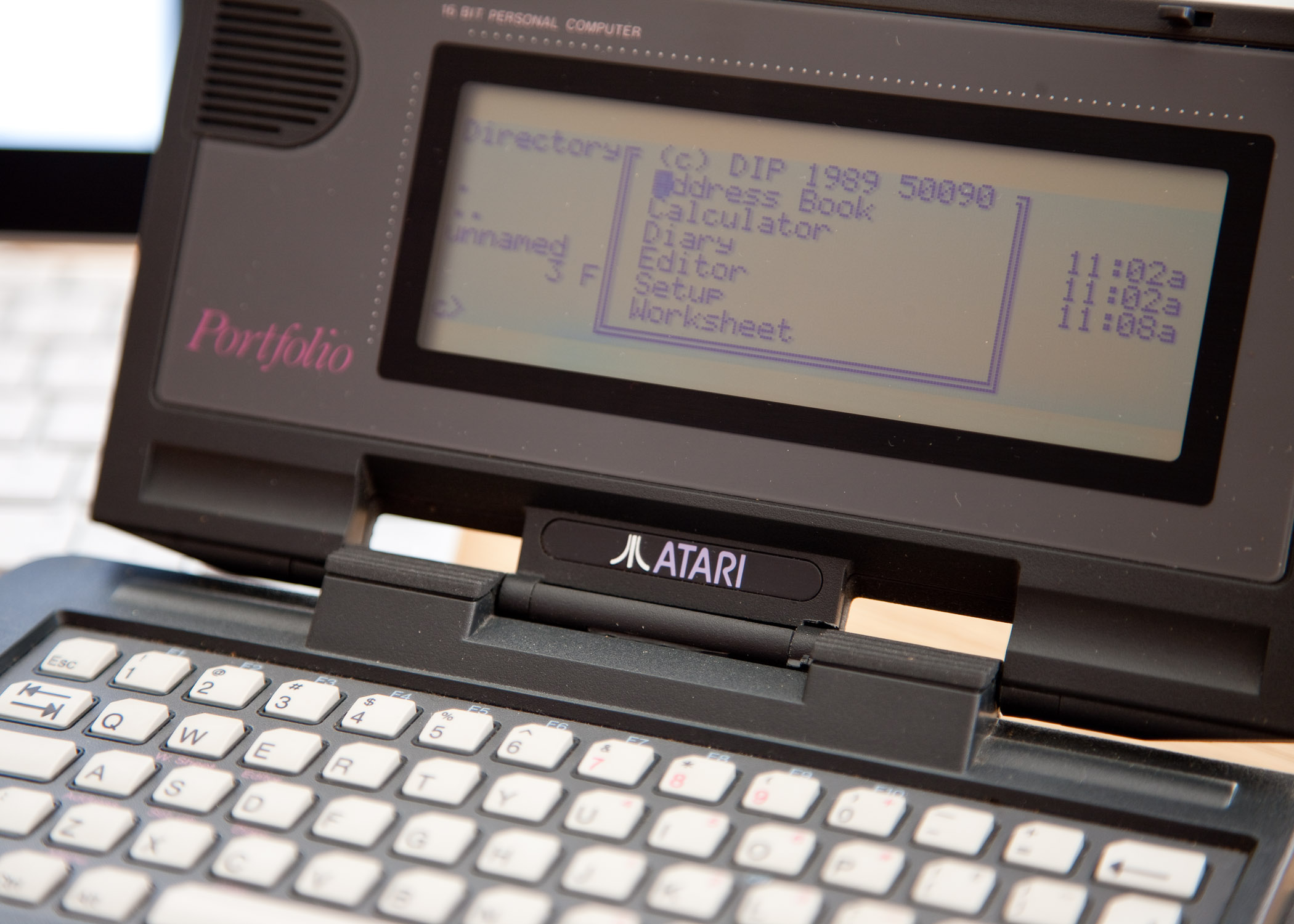
My Atari Portfolio has arrived, and what a gorgeous little thing it is indeed.  I took some pictures and thought it would be interesting to include my iPad in the background.  I promise I’m not neglecting my PX-8, but it’s at work as I have a Win95 box there.  I will bring it home soon and take some pictures.

It might be quite amusing to do a tongue firmly in cheek, head to head review of the Portfolio versus the iPad but given that I’m supposed to be achieving something with the PX-8 (at the very least getting Filink working) it will have to wait.

The battery on the ram card (CR2016) was dead so I put in a new one and formatted the card which appears as a disk under DIP Dos.  I used format a:/v (the /v switch allows you to assign a volume label after formatting.)  The battery compartment sits at the top left of the card and is released by pinching the small plastic lug towards the battery tray allowing you to slide it out.

For now the Portfolio pictures.

Atari PortfolioAtari Portfolio 128k Memory CardAtari PortfolioAtari Portfolio

Other Resources:-

Atari Portfolio FAQ