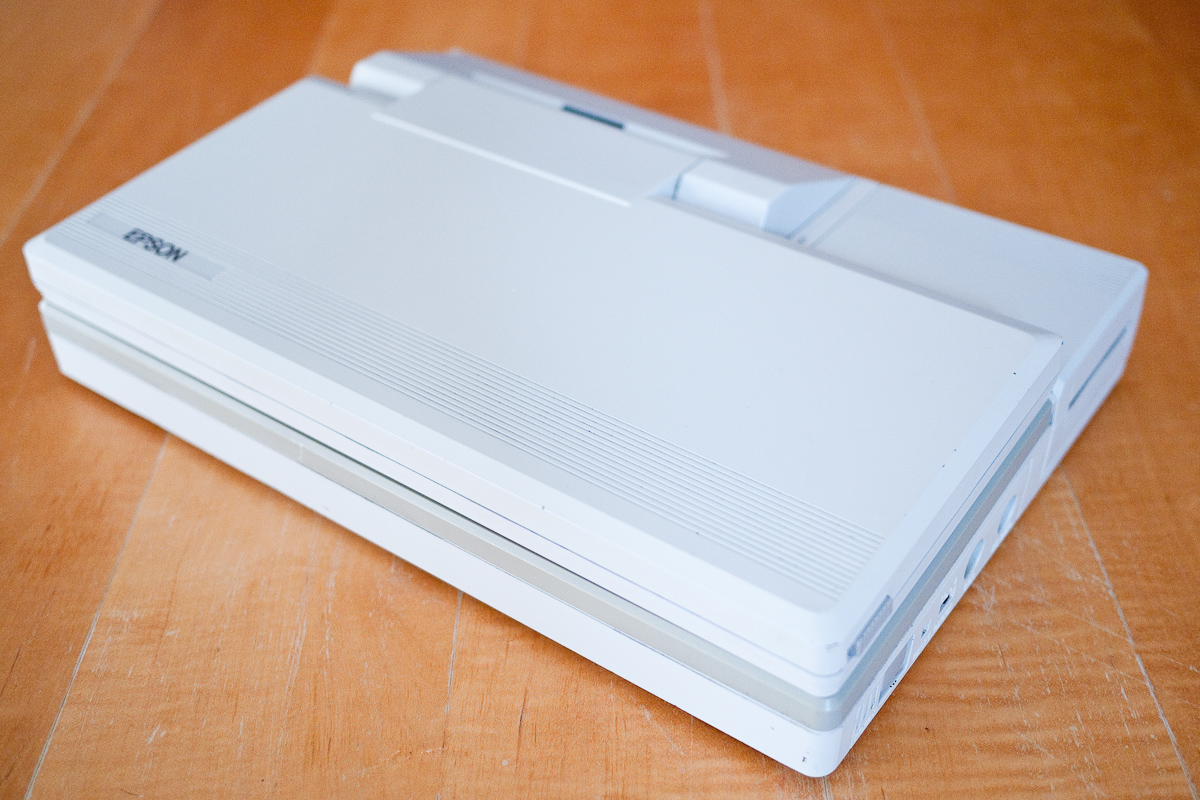
Epson PX-8 Terminal

I’ve been messing around with some terminal stuff today.  I have almost no experience of terminal software so it’s not coming naturally to me.  What I had hoped to achieve was to use the PX-16 with its clearer screen as a dumb terminal for the PX-8.

I don’t yet have a serial cable that fits the PX-16 so I’ve been experimenting with the PX-8 hooked up via RS232 to my Windows 95 box.  By luck one of the PX-8’s I have came with a pre-configured copy of Kermit.  I downloaded Kermit for Windows 95 and set about trying to get them to talk to each other.  After a bit of fiddling I managed to get the PX-8 acting as a sort of dumb terminal for the other box.

What I really want is to do this the other way around but due to my ignorance of the subject I don’t know if that’s even possible, whether you can control a CP/M box via DOS or if you need two CP/M based machines.  In my mind the terminal is just acting as screen and keyboard for the other machine but it doesn’t seem to be working that way.  Still early days and some reading required.

This is just a quick video of me changing directory and listing the directory of the Windows 95 machine on the PX-8.

Epson PX-8 PF-10 & TF-20

Having declared in an earlier post that I’d managed to get the PF-10 working again I thought I should really post some proof.

I apologise for the shaky, and frankly poor quality of this video, I forgot my tripod and camera and had to fall back on the iPhone.

I just show the PX-8 going through the available drives:-

A: Ram Disk

B: Basic ROM

C: System ROM

D: TF-20 5.25″ FDD 1

E: TF-20 5.25″ FDD 2

F: PF-10 3.5″ FDD

H: Mini Cassette (Realised I forgot this, bless it)

Who Are You Calling Fugly?

Epson PX-16 (Gorgeous)

OK, I know it looks a bit like a cash register, especially when it’s sitting on the disk unit but I like it!  I’ve removed all of the internals today and given the cases a good clean inside and out.  I’ve secured the FDD and HDD in the working disk unit and made an attempt to get the FDD working.

Epson SMD-400 FDD

The FDD is an Epson SMD-400.  Like the HDD it has a non-standard connection, with power being supplied via the interface cable as opposed to the usual separate cable.  Unlike the HDD it doesn’t work and I’ve been unable to make it read or write to any disks.  I’ve had it apart and fiddled a bit with the spin speed and head alignment but no joy.  Oddly a cable to nowhere has been soldered to the board, I have no idea what it would have been connected to but hope it’s not something painfully obvious like the head.

The unit does spin up and the head moves around but it fails on every disk I’ve tried.  It would of course be nice to slot another drive in there, I’ve got plenty of them but of course they all require a separate power cable.

Piggybacking the FDD

With no serial cable and no FDD I’m rather limited on what I can do with the machine as I’m unable to get any files on to it.  In desperation I opened up my Windows 95 box and trailed the cable from its floppy into the PX-16 disk unit so the Windows 95 box could power it.  However with it connected to the floppy interface on the PX-16 the Epson won’t start up.

PX-16 XTGold

I gave up and turned my attention to the installed modem.  It has an RJ connector that I’ve not seen on a UK modem before.  Usually they’re RJll’s with 4 connections.  This looks more like an RJ45 and it has 8 connections, although it’s a UK specified machine and the modem is made by a UK company.

I started up Term and sent some modem commands to COM 2 and got the usual OK’s back.  I tried to kludge a cable together but was unable to get a dial tone.  So a slightly more frustrating day today although I did have fun playing with XTGold which was on the disk I’d salvaged from the Equity, it seems like quite an impressive file manager.