 I’m still fully acquainting myself with my recently acquired iMac G4, however my attention has now been momentarily redirected towards another machine that has come my way, a Power Mac G4 Cube. Gratefully received for a nominal fee from a friend of one of my employees the Cube is in very nice working condition and came with the original speakers, mouse, keyboard and a 15″ Studio Display. Like or loath them Cubes are difficult to ignore, from their styling to their rather ignominious past they are certainly a talking point.
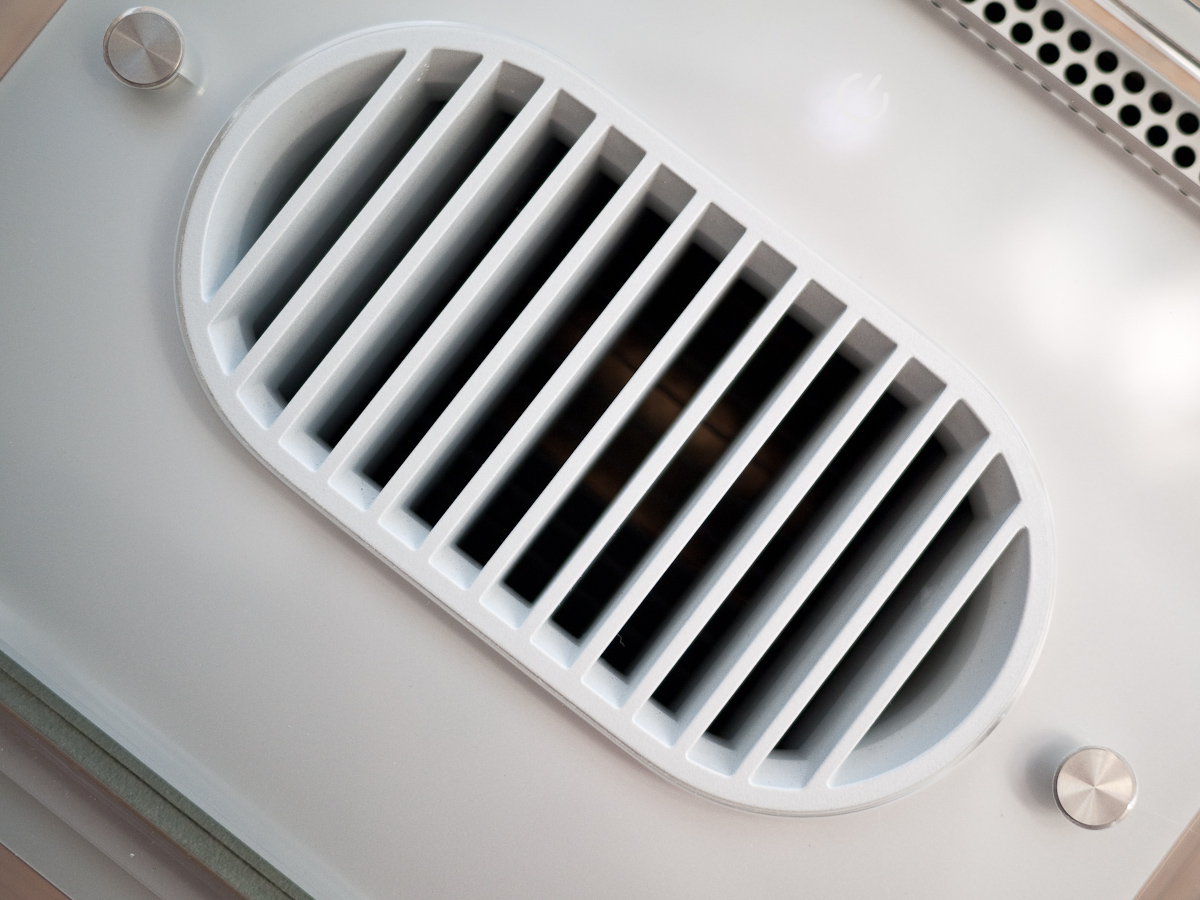
Heat Vent
Mine appears to have been a fairly early model equipped with a 450 mhz G4, 20 GB HDD and 128 MB of RAM. The previous owner had added another 576 MB of RAM, I managed to dig around and find a couple of PC 100 512 MB sticks and so pulled out and replaced two of the existing sticks maxing the Cube out at 1.5 GB. The original Maxtor drive was slow and noisy so I also pulled that out and replaced it with a somewhat quieter 40 GB IBM model.
I decided to install Leopard, interested to see how the 450 mhz G4 would cope. Using the same trick I’d employed for the iMac, I booted the Cube in target disk mode and ran the installation DVD from my G4 Mac Mini which was connected via Firewire. The installation process began and progressed quite happily before falling over after about 20 minutes.

Power Mac G4 Cube
It was at this point that I realised the Cube’s firmware had not been updated. The 4.1.9 update and instructions for its installation can be found here. Updating the firmware can only be done from OS 9 so the first step was to install this which went without a hitch. I duly followed the update firmware instructions and once successfully completed was able to install Leopard.
It seems to be running fine, I’ve had no major issues yet. I’ve already got into the habit of disabling Flash by default whether it be whilst running Safari or Firefox. I remain convinced that a combination of Flash and Leopard were responsible for killing my Power Mac G5 which had its first kernel panic whilst running some Flash content and never fully recovered. In my experience the PowerPC architecture and Flash don’t mix.

Harman Kardon Speaker
Being the first Cube that I’ve owned I’m starting to experience some of the foibles of the design, most irritating of which must be the power button which seems to have a life of its own. I’ve read reports of tape being used internally to cover the touch sensitive switch in order to reduce its sensitivity, I may try this.
My case is in very good condition but does suffer from some of the infamous hairline cracks and my Studio Display has a broken stand which appears to be a very common failing. Overall however I am absolutely thrilled to be a Cube owner at long last, especially for such a low outlay. Personally I absolutely love the design and am very impressed by the performance of the machine given its decade old specification.
I’m also pleasantly surprised by the fidelity of the speakers which at 10 watts per channel sound surprisingly good and produce good levels of bass for their diminutive size.

Complete Cube System
I shall attempt a repair of the display and may look at some other options for the HDD. I would like to fit an SSD or even have an attempt at installing the OS onto a compact flash card as I did with my Wyse Terminal although I’m not sure anyone has had any success with the later.
I’ve registered with the excellent Cube Owner forums having discovered a great deal of useful information there not least a very detailed guide to fixing the Studio Display stand.
The reasons for the Cube’s demise have been well documented but all of those reasons, valid or not, are irrelevant in the second hand market. Here we have a 10 year old machine that is still useful and remains drop dead gorgeous.


 Retrocosm's Vintage Computing, Tech & Music Blog