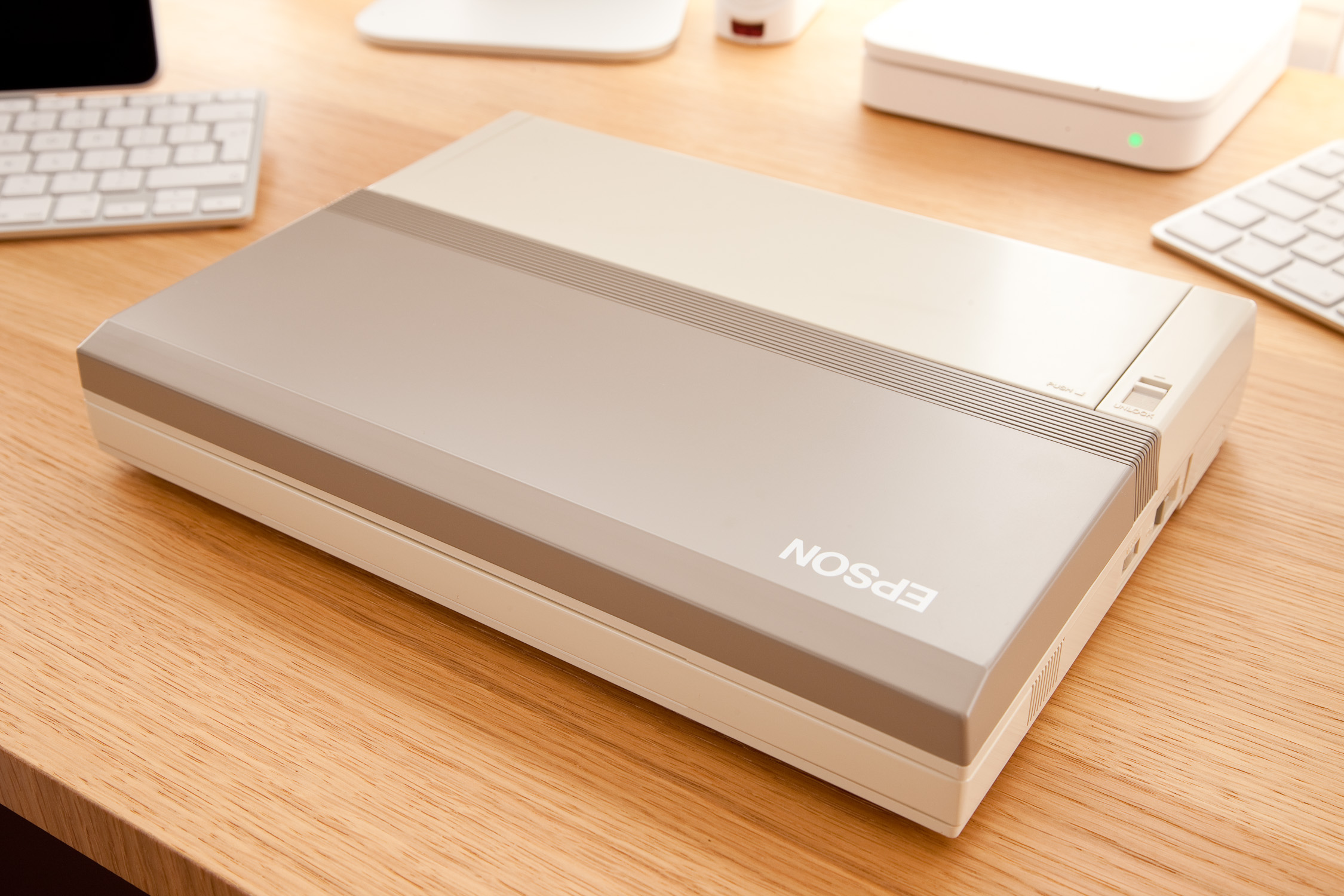
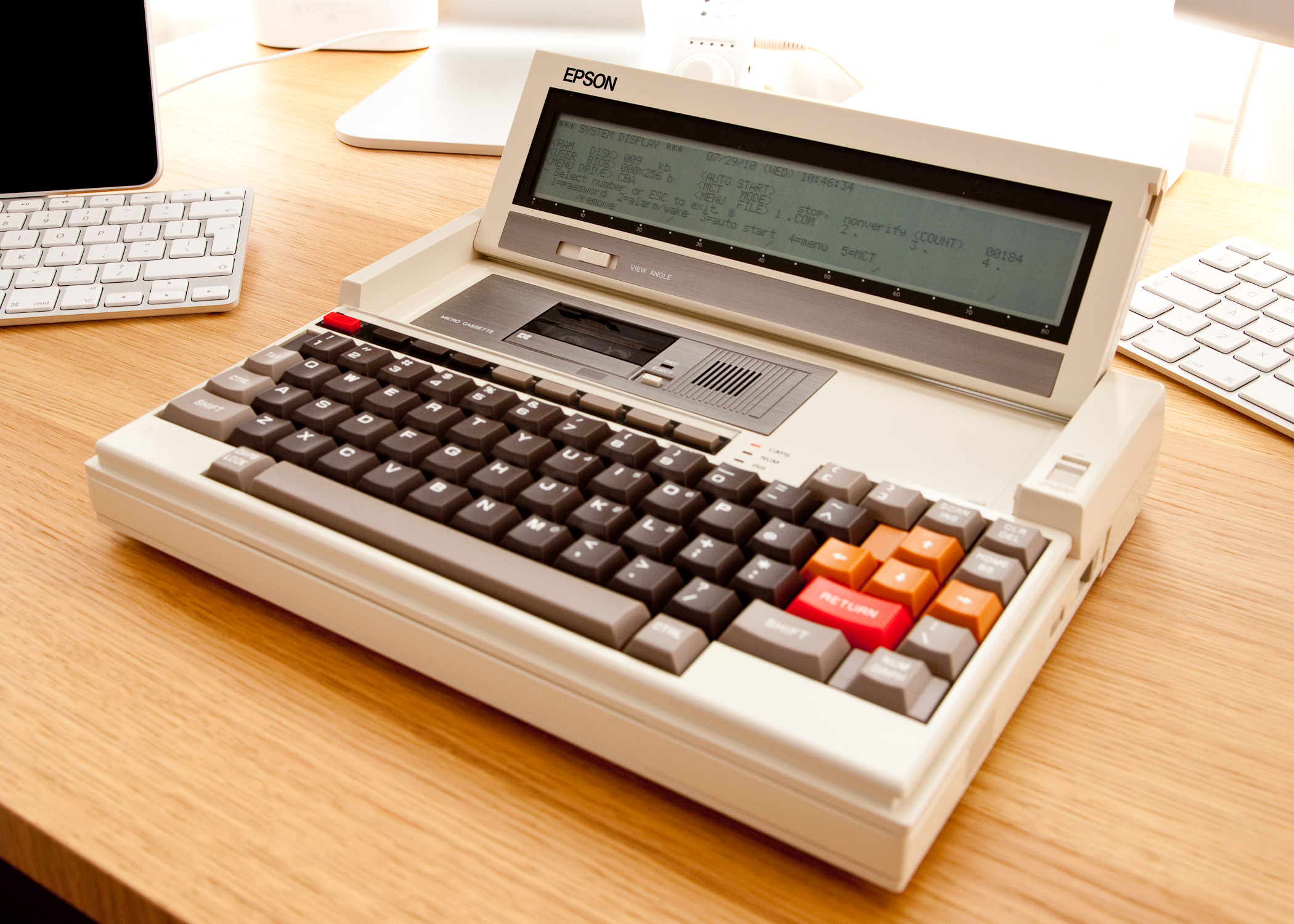
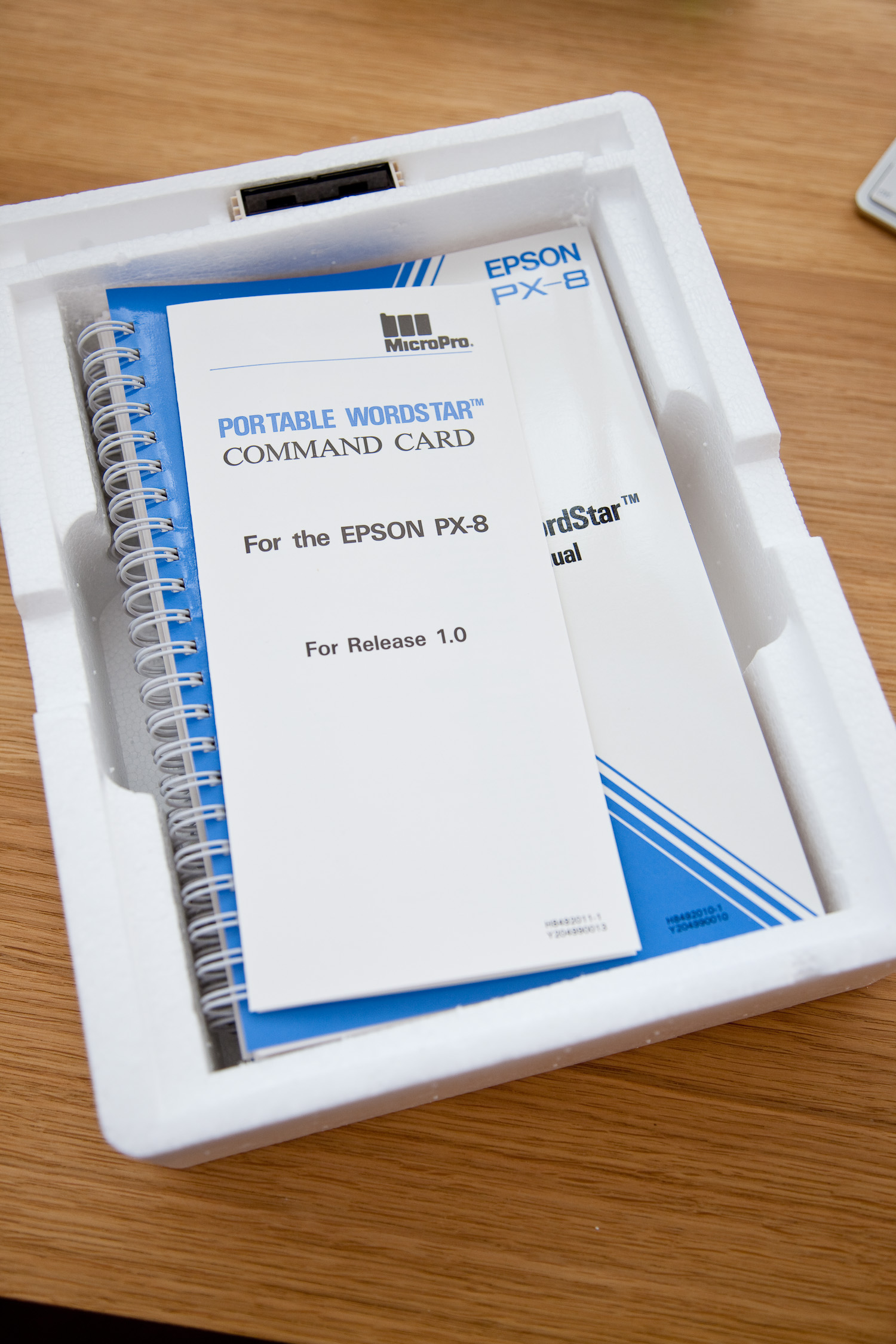
At last, the promised pictures of my new Epson PX-8 Geneva. This is a new, unused and fully boxed machine that is over 25 years old, the manuals were still shrink wrapped. The machine is in good working order although, unsurprisingly the original battery doesn’t hold a great deal of charge. However I am able to operate it with the AC adapter attached and for short periods unplugged.
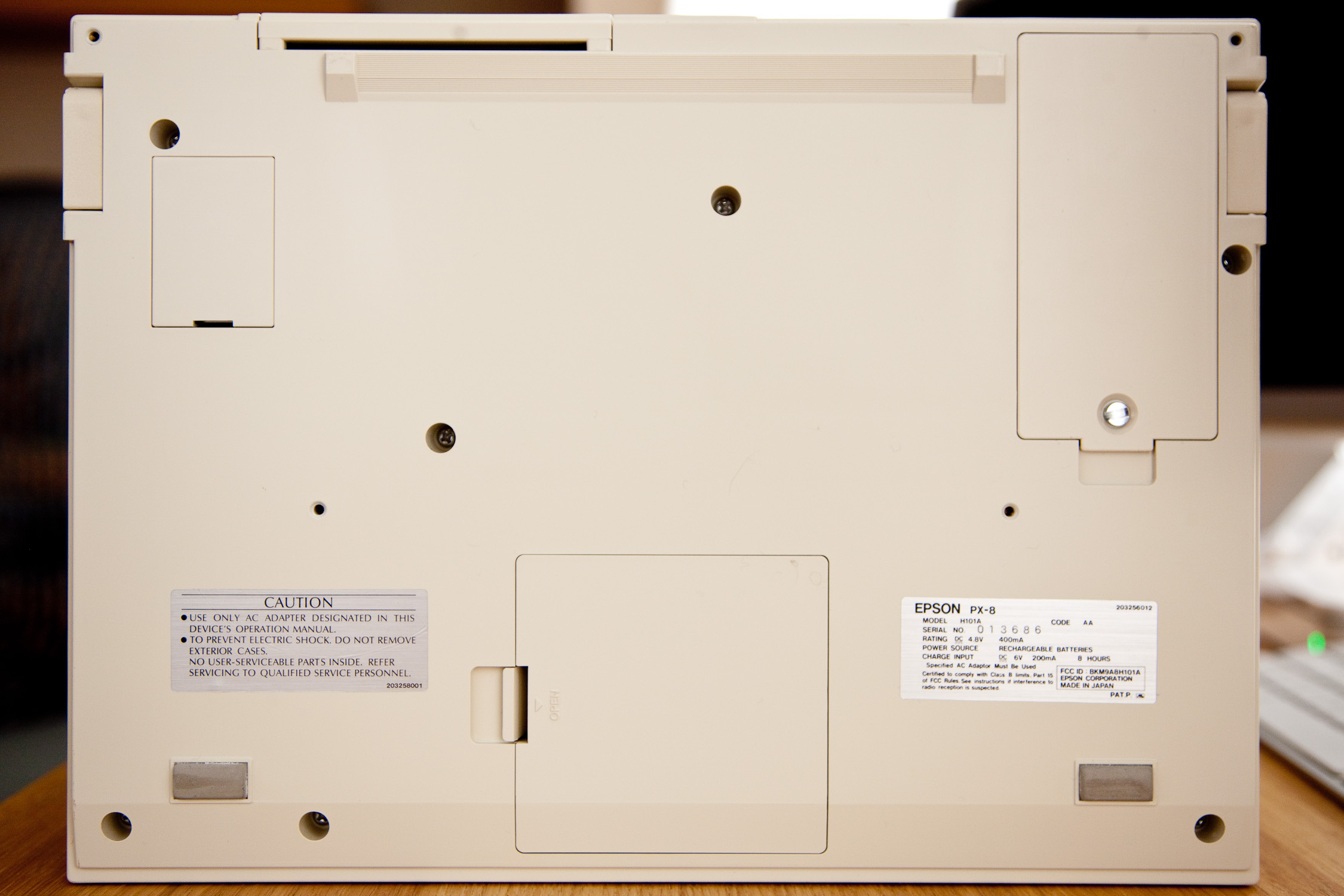
I’m not an expert on battery charging but I do recall the supplier advising that the original power supply was unregulated allowing the voltage to rise above 6V when charging. The power supply I bought is regulated at 6V so whether that additional juice is needed to fully charge the battery I don’t know.
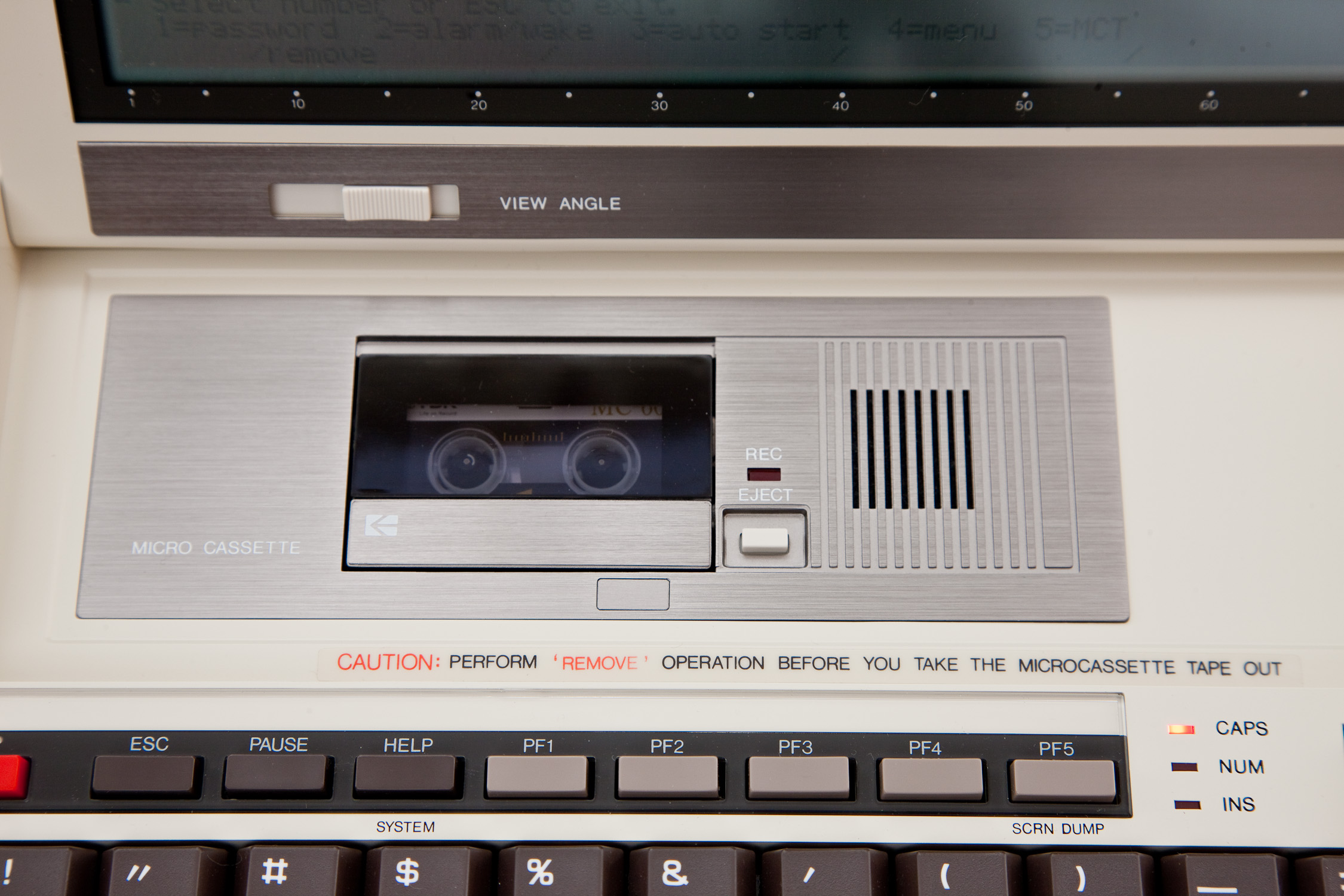
Thus far I have acquainted myself with a little CP/M which I’ve never encountered before, written a few basic BASIC programs and performed some read/write operations with the micro cassette drive which works perfectly.
The next task is to transfer some files using Filink between the PX-8 and an old DOS box which I dug out and am happy to report booted quite happily. Somewhat bizarrely the CMOS battery still seemed to be functioning as the machine reported the correct (within a few minutes) time and date.
For this file transfer task I will have to rely on the expertise of Urbancamo to make me a suitable cable as electronics/soldering were never my strong point. The RS232C port of the PX-8 utilises a 8 pin mini din socket for which I have a cable, however I believe the wiring requires some modification.
(Battery Update)
I recently read this article regarding battery charging at F J Kraan’s excellent resource for PX-8 owners which states:-
The HX-20 and PX-8 both have a four cell battery. For charging four C-type cells in series in a reasonable time, you need a higher voltage than 6 volt.
It seems pretty obvious now that the regulated adapter I bought is not providing enough voltage to charge the internal battery in a timely manner, if at all. I therefore left the unit charging for 72 hours and have found that it does now appear to be holding some charge allowing me to perform some microcassette operations without the power adapter attached. It seems I was too quick to condemn the battery supplied with the PX-8. I also have an HX-20 on its way with its original power adapter, what chance it’s compatible with the PX-8?
The PX-8 in all its undeniable glory:-








 Retrocosm's Vintage Computing, Tech & Music Blog