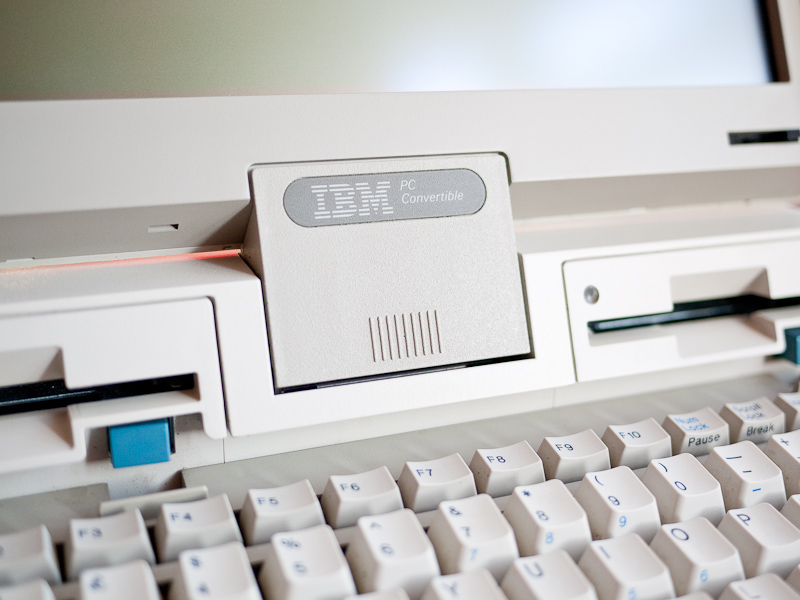
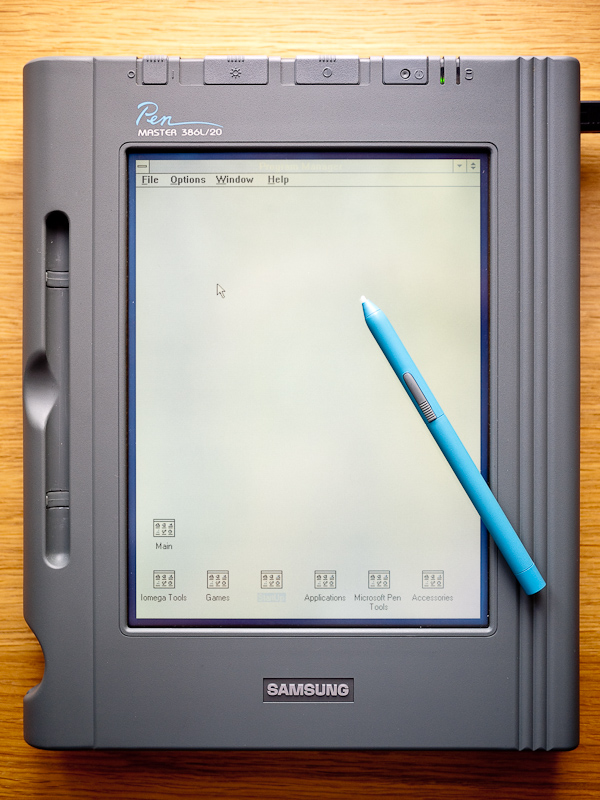
I’ve taken a break from playing with the Samsung PenMaster and thought I’d take another crack at getting my IBM 5140 up and running. When I originally plugged it in, the power supply fizzled for a while and then went pop and as I have been unable to source a suitable replacement the machine has languished in storage since.

IBM 5140 Closed
It occurred to me a few days ago as I was wiring the PenMaster up to the new bench top power supply I’d purchased that I could of course use it to power the 5140. The power connector for the IBM has a 5.5mm diameter plug with a 2.5mm centre. I checked online and confirmed that the centre pin is positive so I cut off the cable from the fried power supply, checked which wire was which with a meter and hooked it up to the bench top PS.
The 5140 requires 15v DC at 2.7 amps to both run and charge the battery at the same time. The battery looks as though it’s had a leak in the past so I’d already removed it but wasn’t sure if the 5140 would run with it disconnected. Fortunately it turns out that it does as on power up it POSTed and after querying both drives which were empty dropped into the default BASIC.

IBM Startup Diskettes
The unit came with a wallet containing PC DOS 3.30 on both 3.5 and 5.25″ disks so I restarted with the relevant disk in drive A and the machine booted successfully to DOS. Drive B is not currently working although I suspect it’s just a cleaning job.
Both drives are 720k units and pop up for access as you open the lid. Incidentally this was the first IBM machine to use 3.5″ drives, the first to run on batteries and the first to use surface mount technology. The 80×25 LCD screen on my example is unfortunately not backlit as found on later models and is almost identical to the one found on the Epson PX-16 and similarly lacking in contrast.

IBM 5140 Convertible
The CPU is an Intel 80C88 running at 4.77 MHz, there’s 512 KB of RAM and no HDD nor room for one. There is space inside for an optional modem although mine doesn’t have one and other expansion comes courtesy of units which have to be clipped on at the back.
I have two expansion units, one provides a serial and parallel port and the other is I believe for connecting a CRT. The existing LCD is removed by simply pushing the bottom of the square panel below it which tips forward and allows the screen to be lifted off, the idea being that the unit quickly converts from a portable to desktop.
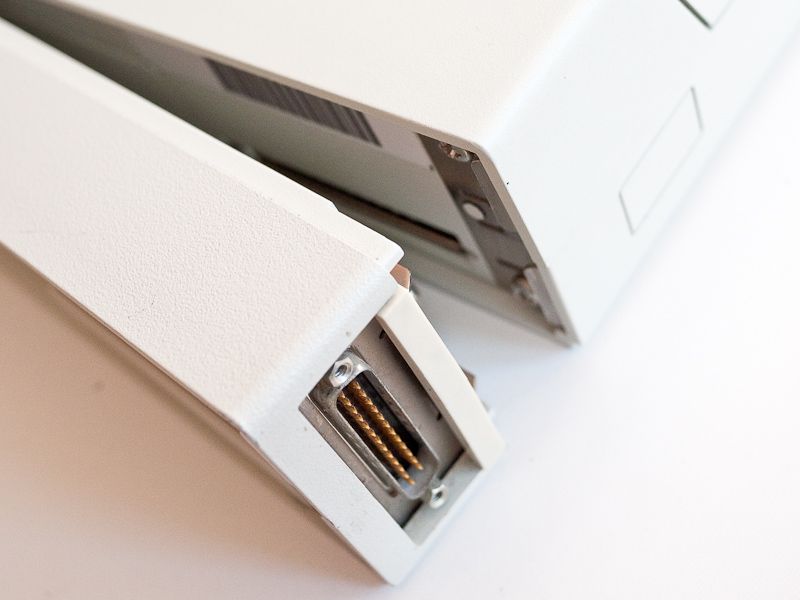
Serial & Parallel Expansion Unit
Targets are to try to get the second drive working hopefully with a simple head clean and then to try out the expansion units by connecting a modem to the serial port, possibly a printer to the parallel port and then see if I can get a video signal from the other expansion unit.
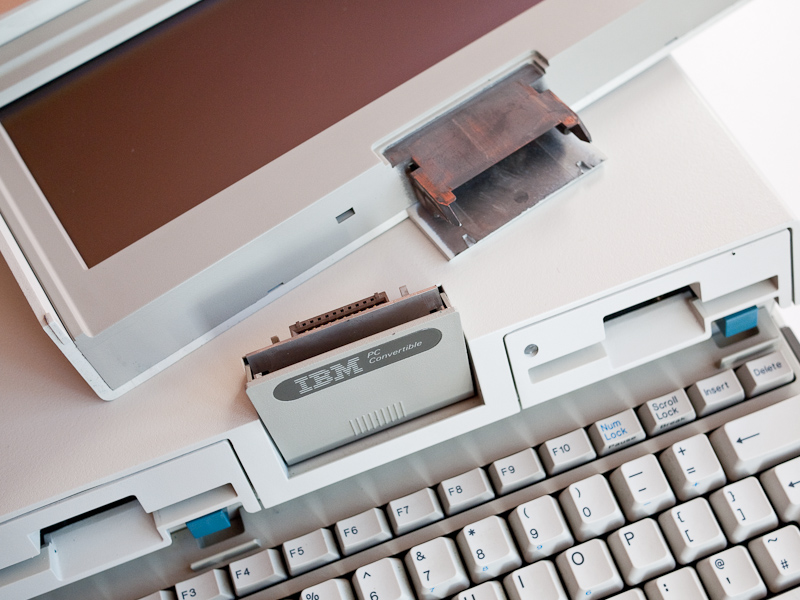
Screen Removed
 Retrocosm's Vintage Computing, Tech & Music Blog