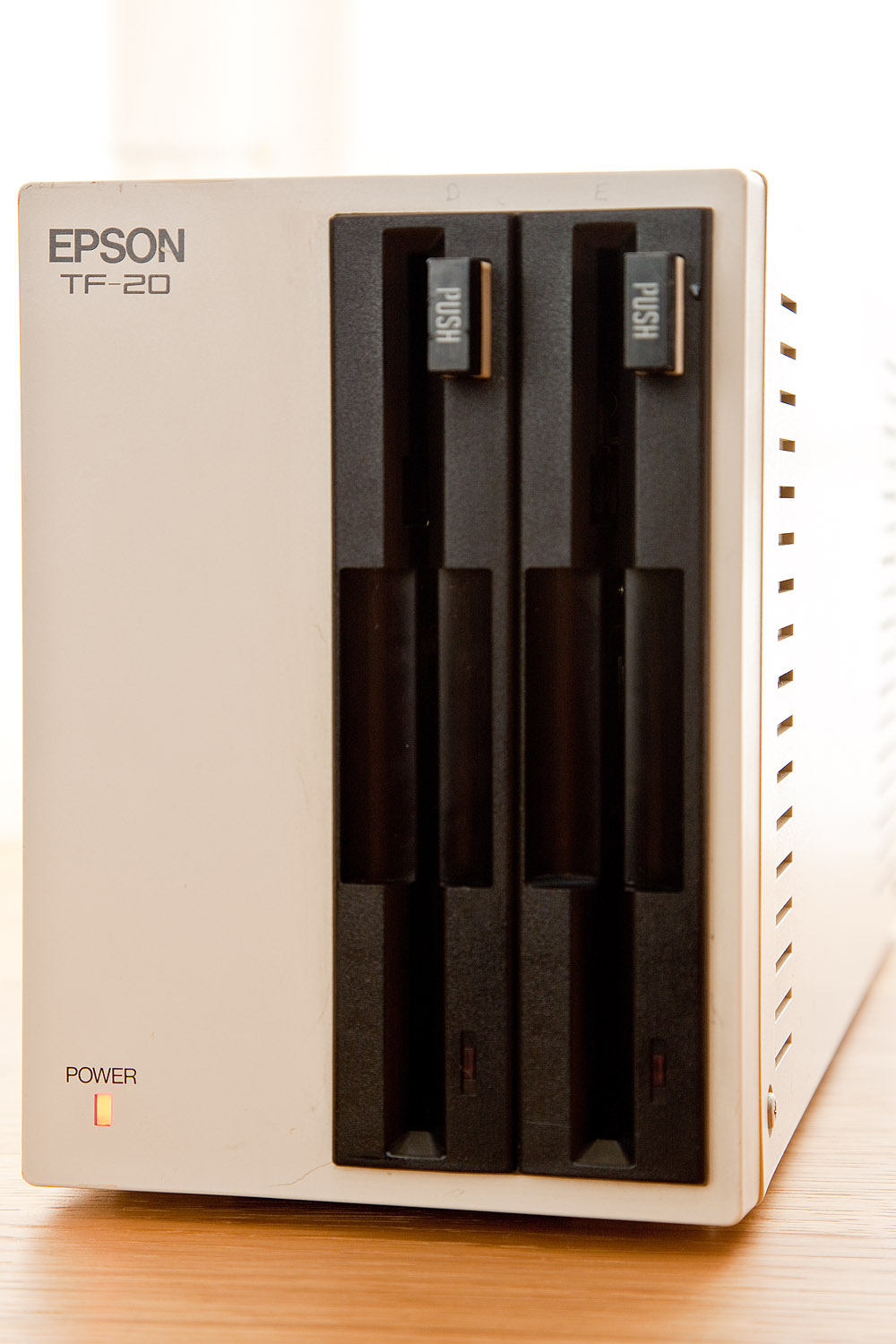
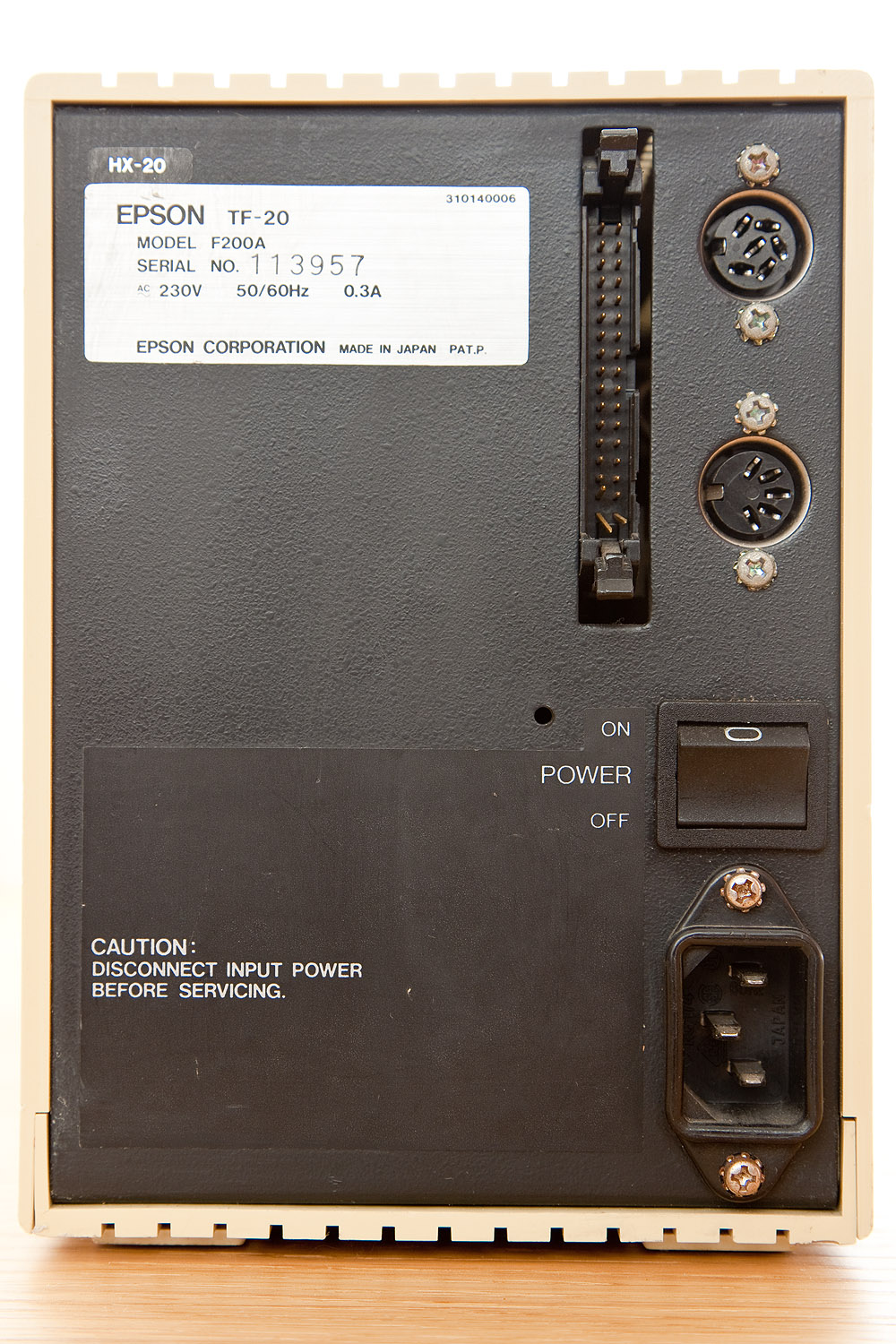
Epson TF-20 5.25 Inch Double Floppy Disk Drive Pictures

As yet no joy with the PF-10, the unit spins up but I’m getting bad sector errors on all the disks I try to access.  I’m not particularly surprised, in fact I would have been more surprised if it had worked.  However I shall try and clean the heads and have a poke around to make sure everything that should be moving freely is doing so.

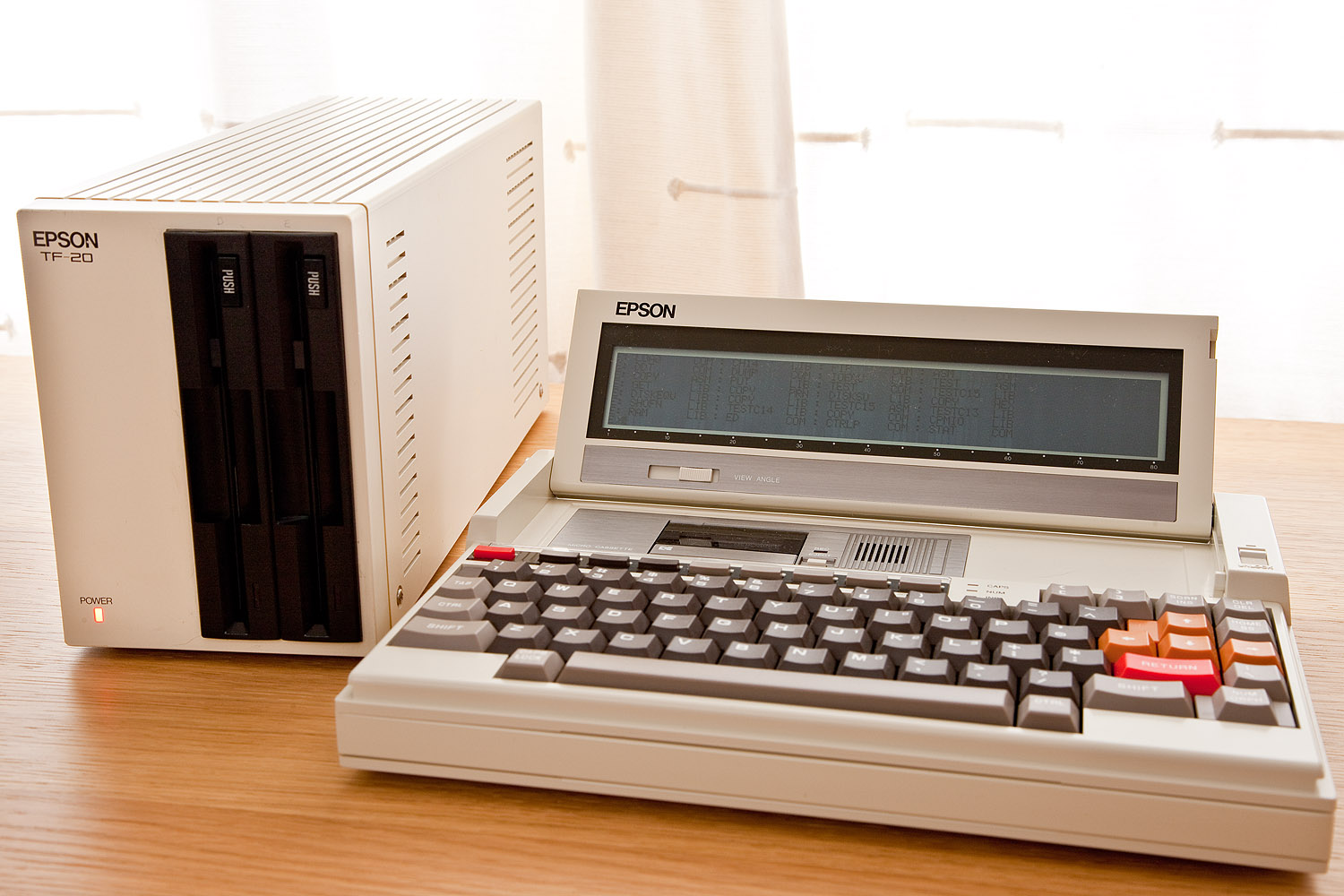
More luck with the TF-20 which is in fine working order.  Both bays are working well and I’ve managed some read and write operations on both.  The unit itself in monstrously heavy, most of the weight is I assume coming from the built in transformer.  So far I’ve tried the unit with a PX-8 and PX-4.  Along with the PF-10 the TF-20 came with a huge bundle of PX-4 related items.  The PX-4 itself, several spare keyboards, a couple of cassette units, a ram disk and a rom holder all of which are interchangeable on the PX-4 (also apparently known as the Epson Pine.)

I also have some promotional literature for the PX-4 and an original UK price list which I’ll scan in and post.  For now some pictures of the TF-20.
Printing With The Atari Portfolio

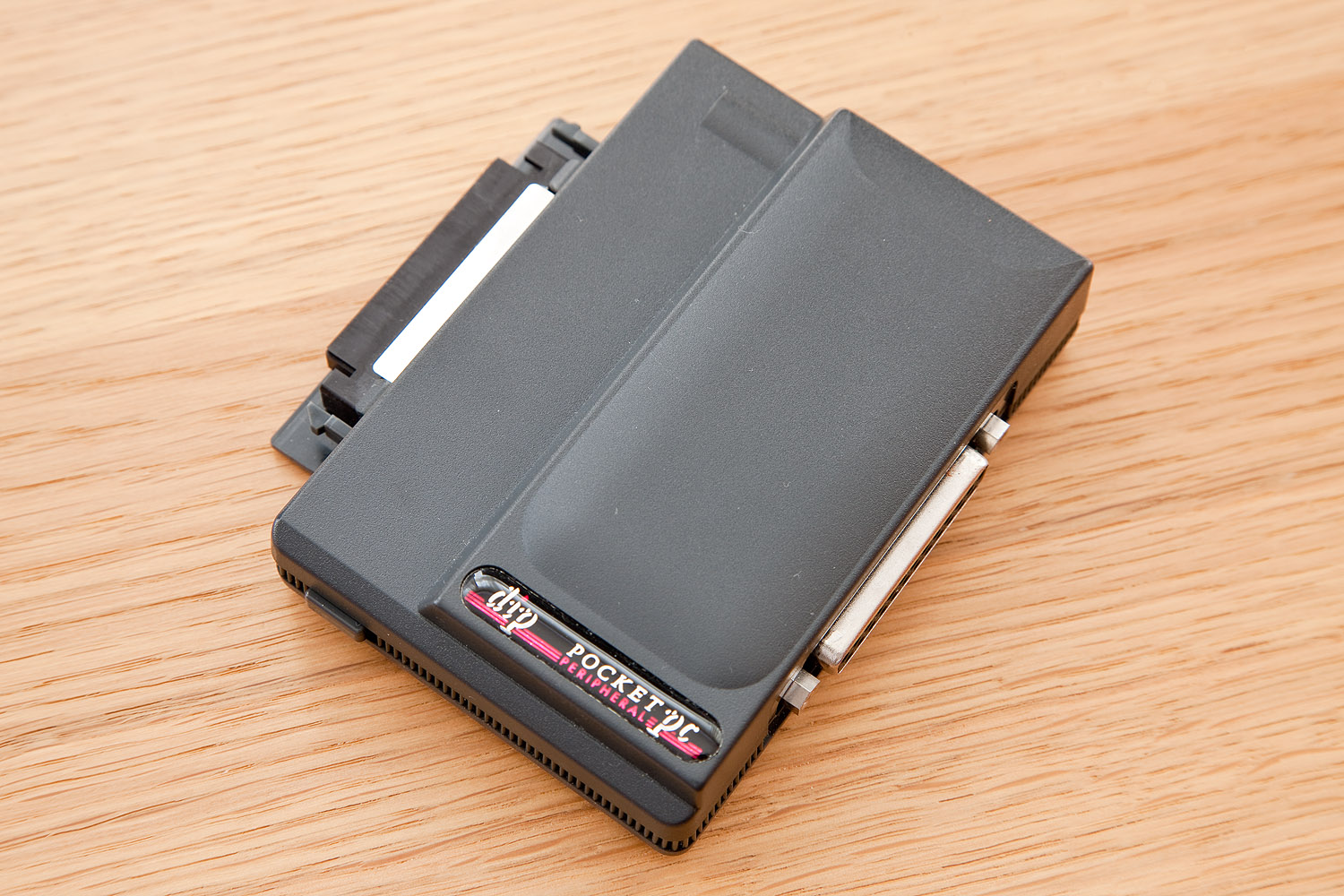
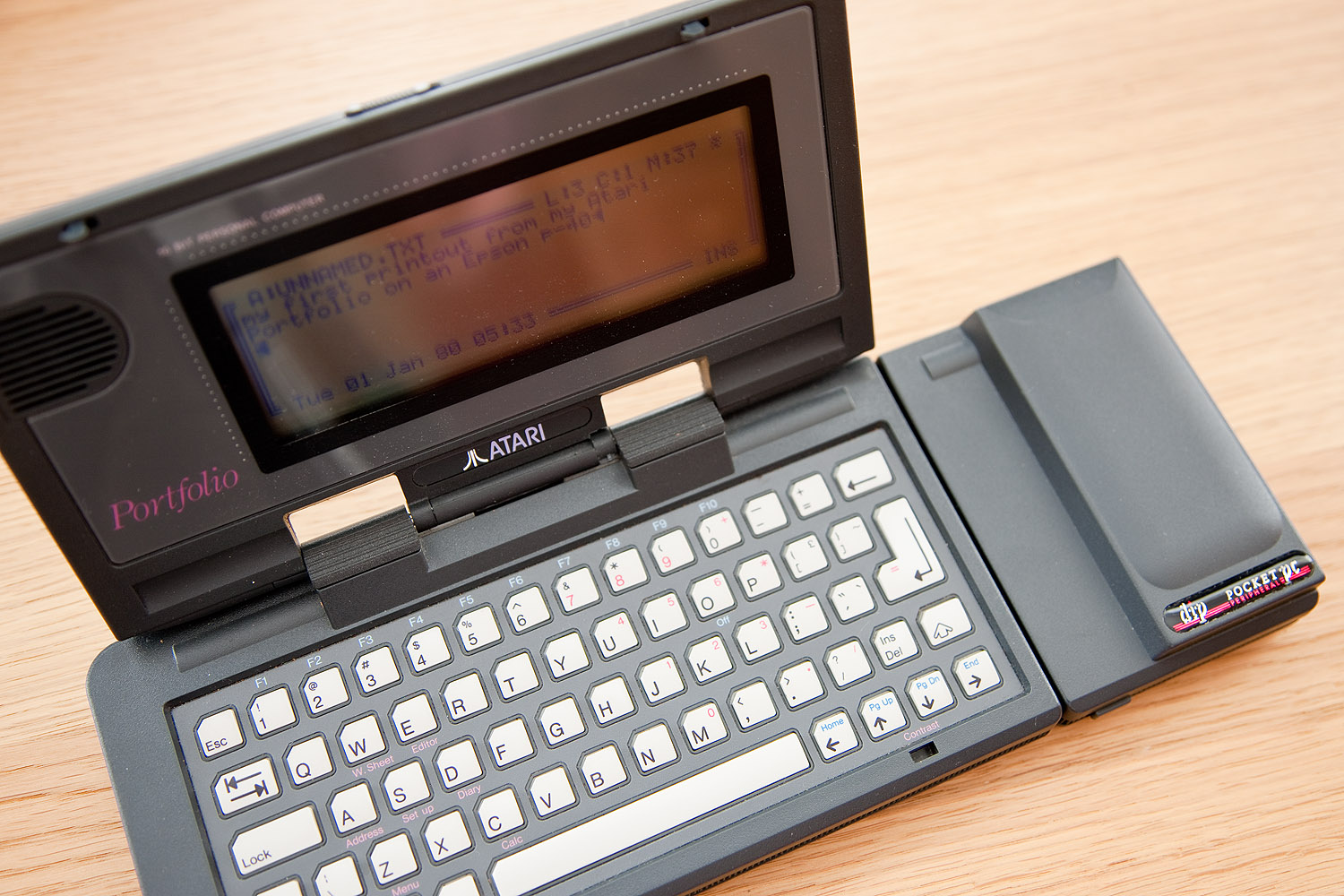
I recently acquired a parallel port interface for the Atari Portfolio, it’s actually an original DIP (Distributed Information Processing) model and looks as good as new.  In order to transfer files to and from the Portfolio and a PC I need a DB25 male to male straight through cable which I have on order.

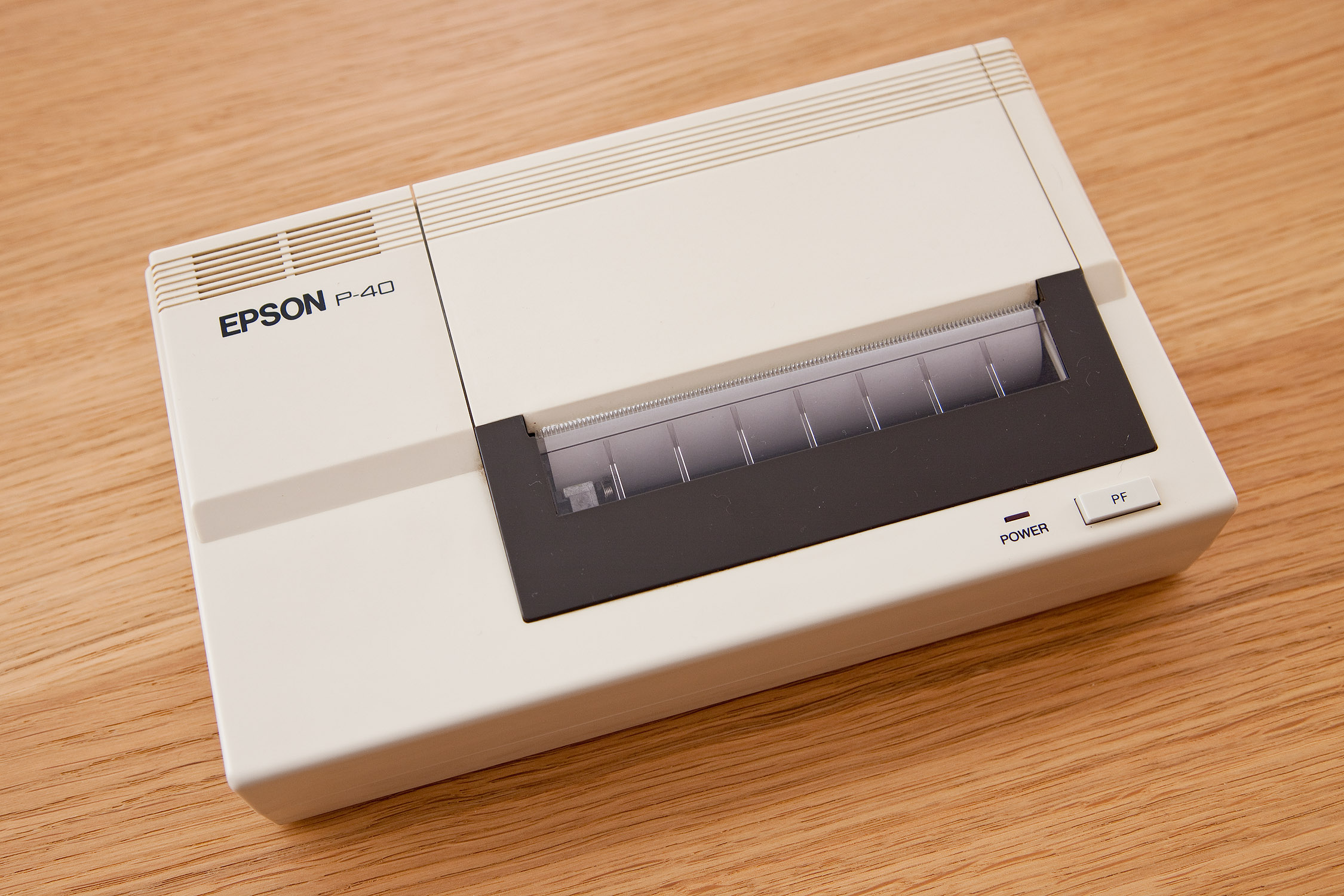
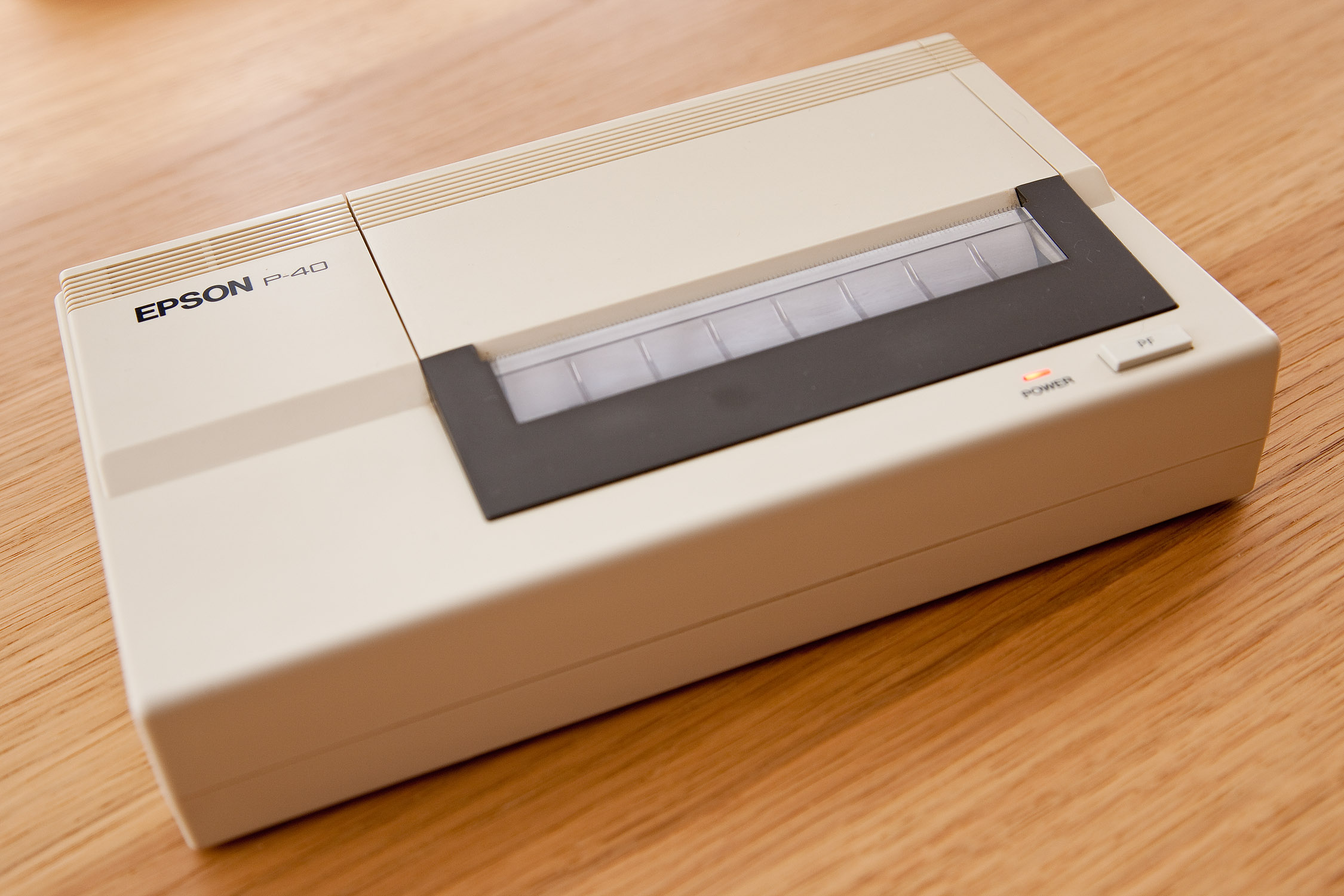
In the meantime it occurred to me I could hook up my Epson P-40 portable thermal printer with a standard parallel printer cable and confirm it’s in working order.

I connected everything together, created a bit of text in the Portfolio editor and then hit a snag, I couldn’t work out how to make it print.  In mitigation I don’t have a manual for the Portfolio however after a brute force attack, ie trying every combination of key presses I could think of I found the required menu.

Much to my surprise the Epson immediately burst into life and printed my text, I almost imagined it sitting there thinking, is that all you’ve got?

(Update, Video Available)

Some obligatory pictures:-

Epson PX-8 Geneva Filink Success

This weekend I was very grateful to Urbancamo who as promised built me a suitable cable to connect my PX-8 to my DOS box.  To connect the RS232C port on the PX-8 to a PC Com port I needed a male 8 pin mini din to female DB9 connector.  I found an open ended 8 pin mini din cable on Ebay and Urbancamo kindly added the required female DB9 connector wired with the following configuration.

Having trawled through a load of old machines that were piled up at work, most butchered for parts I found one venerable Fujitsu, Pentium based machine running Windows 95.  Apart from a system fan that sounds like it’s rubbing up against a cheese grater it’s in good working order.  Most importantly it had a suitable Com port and a working CD drive.

I grabbed a load of PX-8 files from F J Kraan’s excellent PX-8 resource and transferred them by CD to the Fujitsu.  I cleared up the autoexec.bat file and added a line to set the Com port’s parameters to match the PX-8’s (Mode COM1:4800,N,8,2,P) with the knowledge that Filink seems to find any excuse to hang and that several reboots were probably on the cards.

Once the two machines were connected I loaded up Filink on both and set about transferring some files.  Oddly the transfer would begin and then Filink would attempt to access the floppy drive on the DOS box (which had no disk in it as I’d booted from the hard drive and not used the floppy for anything) causing the transfer to fail.

I dug out an old floppy disk put it in the drive, it was formatted but empty and tried again.  This time the transfer worked with the floppy drive access light flashing momentarily.  Quite what difference having a blank disk in the drive made I’ve no idea but Filink won’t work without it there, weird!

Now I have a working method of transferring files and, excitingly (if you like that sort of thing) I found a PF-10 on Ebay and it should be here within the week.  Fingers crossed it works.